Maybe this will help some one a little bit. If you’re memory challenged and cramped for desk space you can print this document (card stock is best), fold it in half and it will provide a quick reference for the bass shapes.
The next installment of tools. First, a little explaining. I find B2B is a fantastic way to learn. Thank you @Josh and @Gio . Both have created highly useful lessons and advice to learning the notes on the fret board. As a supplement to the techniques presented I installed an andoid app “Guitar Fretboard”. It’s pretty nice. But I’ve noticed a problem. Using the app is like playing a game and it’s causing brain connections in the wrong way. I don’t find it useful for translating to the actual instrument.
Today I developed something (with the aid of chatgpt) that I believe will help me in the way I learn and maybe others will find it useful. It’s sorta like flashcards but automated an requires using a tuner to check if the users response is correct. I’m hoping it will be possible to add feedback directly from the phone tuner but for now, here it is.
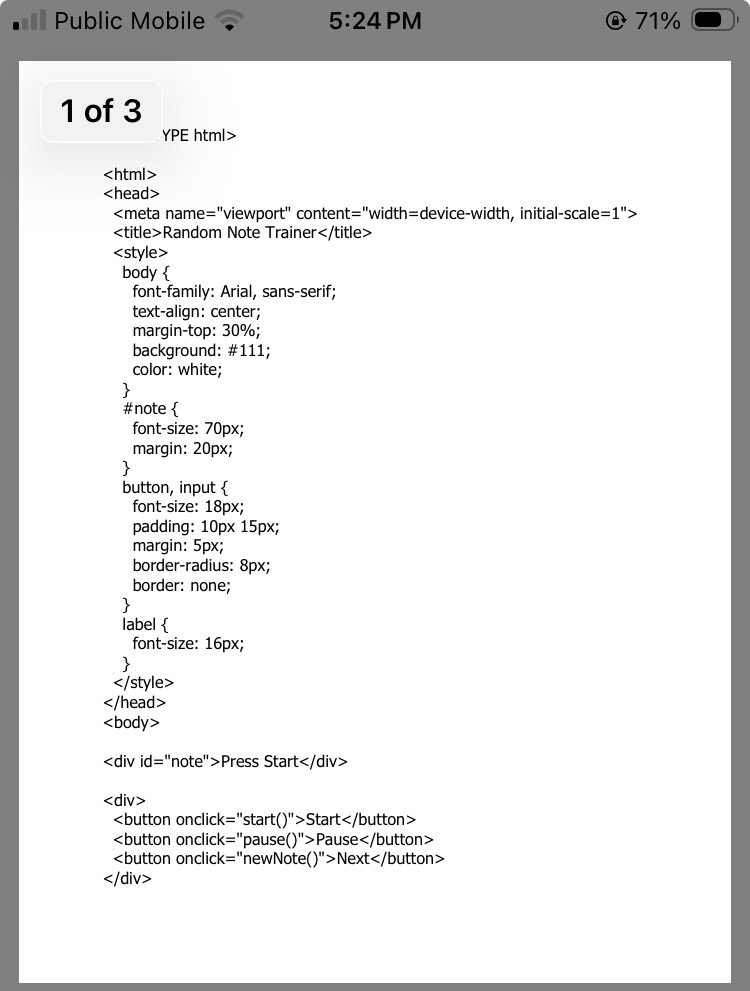
You will need an html editor. I’m using “trebedit” from the playstore. copy the text below and save it as notes.html. Open the notes.html file in a browser and try it out.
I’m not sure what you are unable to see. Unfortunately the forum editor only allows attachments of images. The PDF is as close as I can get to providing the text.
Are you not able to see the text in the PDF or are you not able to select and copy it?
I figured out how to insert preformatted text in the original post for the tool and edited the post. You should be able to copy it from there.
However, I’m working on a creating a QR code that will auto load the app and it wont be necessary to edit or save any files - should have it ready tomorrow.
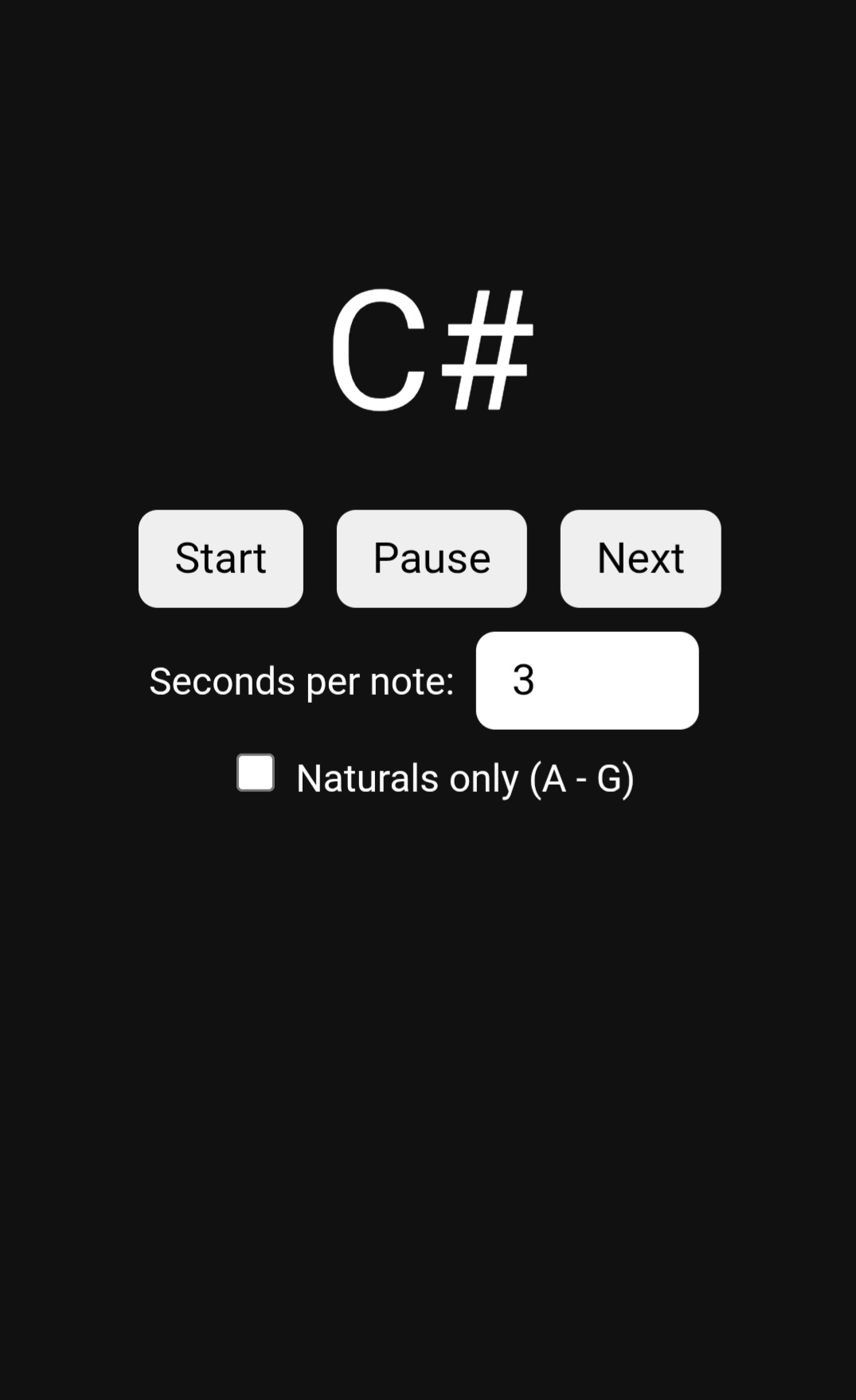
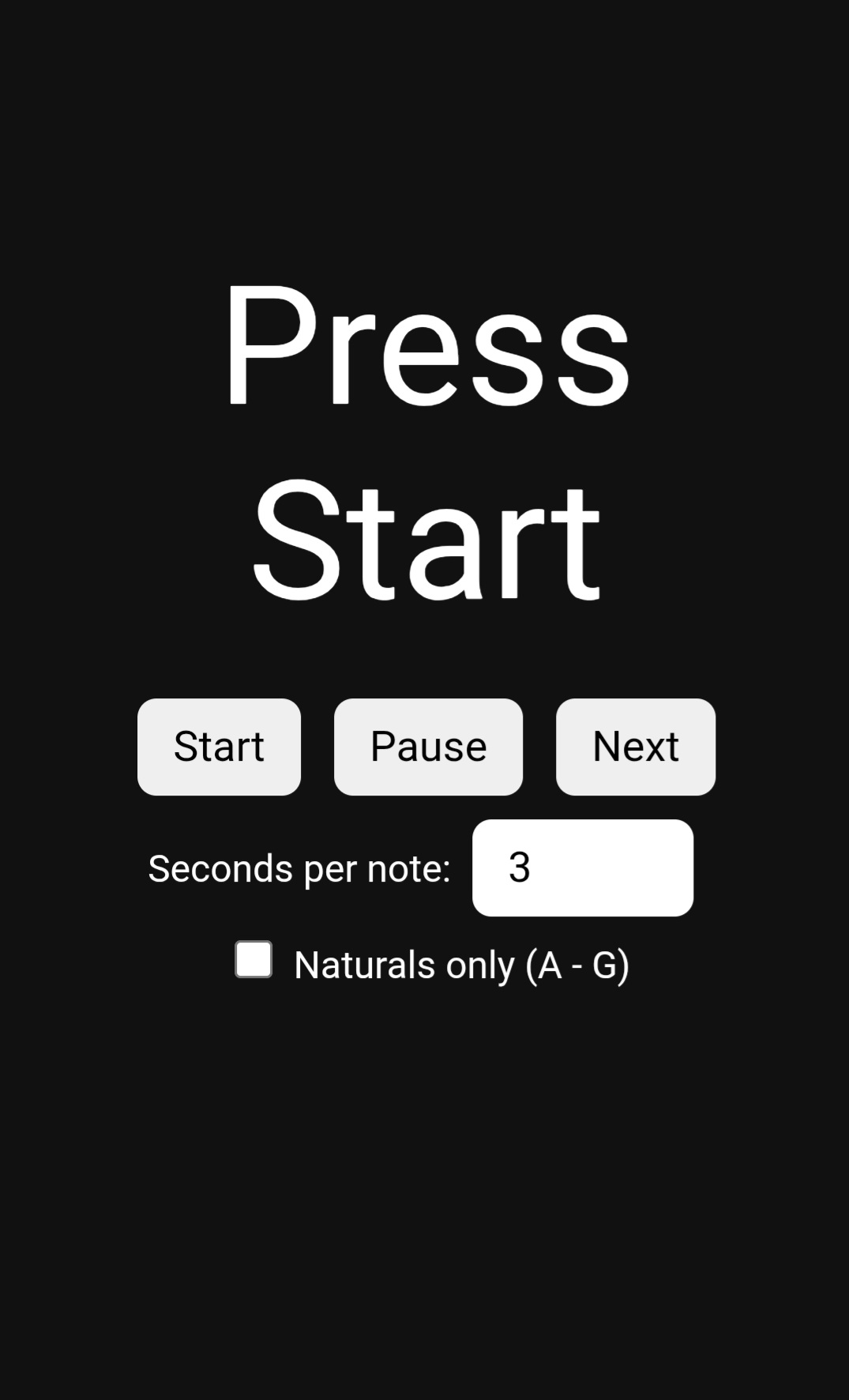
It’s not a fancy app. Just an electronic flash card system that presents a random note for the user to find and pluck. A tuner is need to determine if the correct note has been plucked. A clip on tuner will work. If you have two devices and can use one to run the app and one to run a tuner, I like TE Tuner in the Playstore.
I’m attaching a couple of screenshots from the running app.
I hope you and others will find this useful. It’s something I’m hoping will help me to learn the fretboard notes and find them as second-nature eventually.