Anyone know? Thanks!
Yes you can. You need to download and install the software, including the ASIO driver if you’re on Windows. It’s probably Core Audio compatible for Mac. The Android app uses Bluetooth, and I don’t know if you can record the audio on a smartphone. You can download the manual and check.
2 Likes
Just plug the usb c to computer and your DAW of choice should recognize the mighty plug then set the desire level and you are golden.
1 Like
I never tried that. I’ll have to, some day. That may be for Mac only (Core Audio compatible). Will have to check for an ASIO driver specifically for the Mighty Plug Pro. Even if there is one for Windows, it would mean disconnecting my RME interface, since Windows can’t handle aggregate audio devices like MacOS can. I’d be much better off just connecting my bass to one of the two Instrument inputs on my Fireface UCX II and use AmpliTube or TH-U or some other amp sim (I have way more than I need; kinda like my collections of basses  ).
).
In any case, this probably isn’t relevant when travelling. Then, using the Fender Link I/O into the free Fender Studio app on my Android smartphone would be the best option.
1 Like
Is the fender app limited to Fender devices? If so: I heard good stuff about the Bandlab app:
I would still get a proper travel DAI, like the Zoom AMS-24 (or even the Zoom AMS-22), but that’s just me.
1 Like
Only Fender devices? I don’t know. I haven’t tried it as a DAI for Windows except for the Windows version of the free Fender Studio. The only DAW I have installed on my Android phone and tablet is also Fender Studio.
BandLab app? I’m not a fan. BandLab is where SONAR Platinum went to die. Then to rise from the grave as a free DAW called Cakewalk. Then renamed to SONAR and went from “free” to “free to start”. Now, I could not care less. And the BandLab app itself? I remember looking into it a few years ago. It didn’t suit my needs then, and I never looked at it again. From their website, it looks like it’s a smartphone-only DAW. Not sure how you would migrate phone recordings to your regular Windows/Mac DAW. So, another “no idea”.
1 Like
“Additionally, Fender Studio works great with a variety of audio interfaces that are compatible across users’ devices.”
Haven’t used it myself, but others I know have (successfully).
Anyways, the Fender app seems to work for non-Fender devices too.
1 Like
What is the most bare bones basic DAW for a beginner to use (Mac)?
1 Like
@davidico Use what comes bundled for free with the Mac.
GarageBand
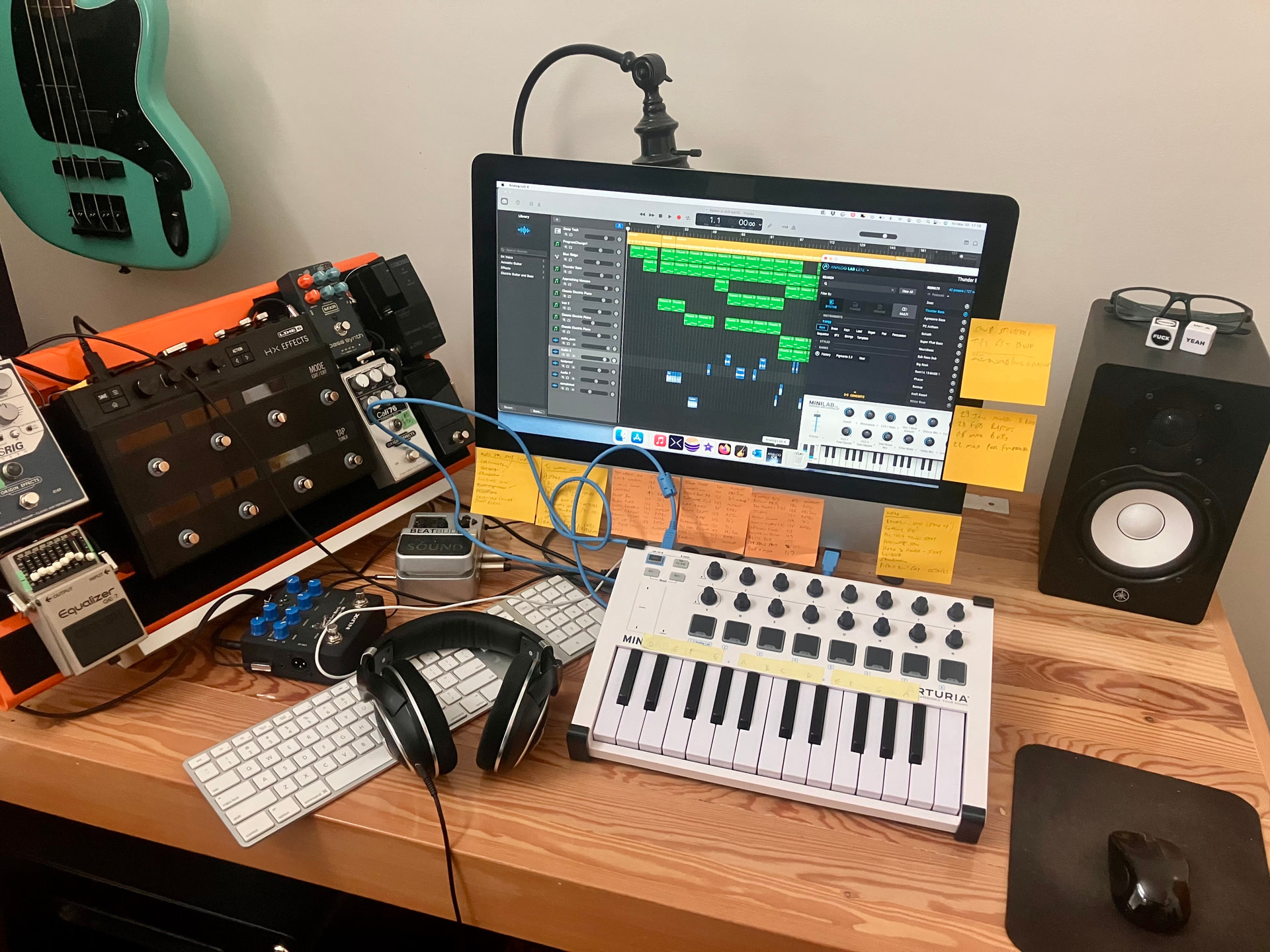
I’ve used it for all my covers. Easy to learn and free!

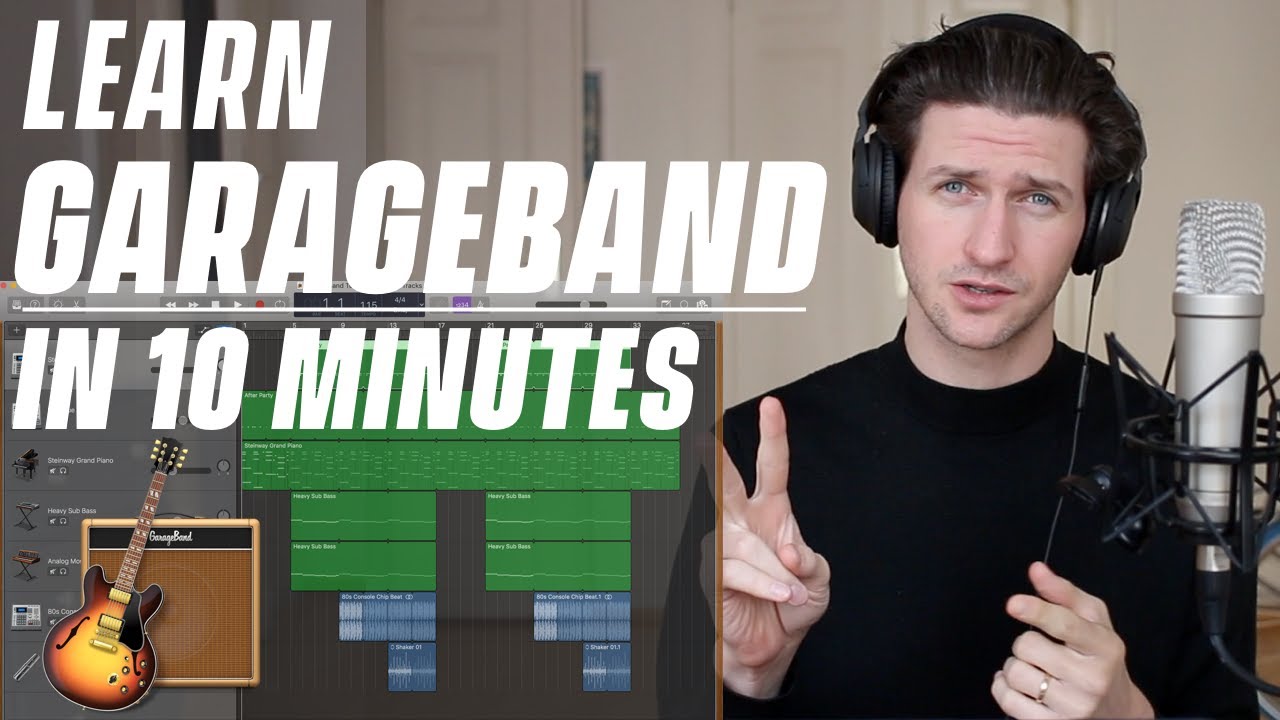
10 min tutorial to get you started.
NOICE! Great tone. And your taste is impeccable. Thanks for the tip.
1 Like
Barebone? Not really, the GarageBand it’s very powerful. I have Logic Pro X but still use my GarageBand. Love it. It’s also available across the apple ecosystem.
Yeah, GarageBand is free, easy to use, and capable of cutting albums with it - in fact both Billie Eilish and Grimes have done so.
Logic Pro is much more capable though. It’s like the difference between iMovie and Final Cut Pro X. In fact it’s exactly like that difference, that’s a very close analogy.
1 Like
Well, yes it’s an excellent comparison but. . .
When it comes to music production, there’s less things to do than video in general. I can do a lot more things on the Final Cut Pro X, actually, I’ve been using the iOS version (subscription) on my M1, M2 and M4 ipad pros they strike the balance between ease of use and powerful capabilities. The FCPX is doing both audio and video not music production but audio.
If one does not need fancy plugins GarageBand will work 95% if not higher of the Logic Pro X, of course, there are a few fun tricks that only available on the LPX but to me it’s not as important as the video side. iMovie is awesome but it’s for the time crunch that I need to do a quick video editing on my iphone. The rest of the time I’d definitely use my FCP iPad.
It’s relatively simple to do this video on FCP, but it would take me 10 times longer to do this on iMovie.
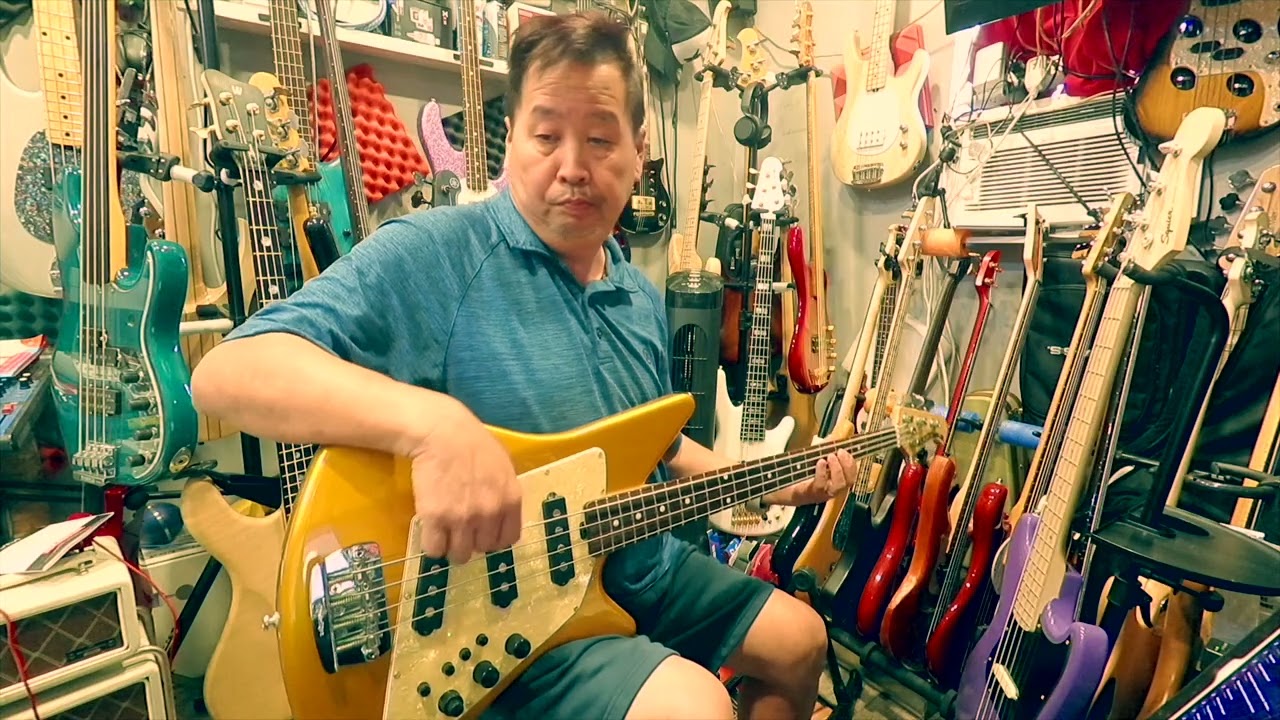
For doing bass covers, GarageBand is more than enough, yes.
What are you using for the camera panning? It seems more like it’s swinging along a track vs just pivoting. Also, there’s something about that Music Man Big Al that I really dig. The combo of retro style and color.
1 Like
Yeah it’s the carbon rail slider an it has the mechanical gear that I can chose to pan inward or outward depending on the shots needed.
And thanks, it was fun designing the shots as well as syncing all of the shots together. I thought it would be more complicated but with my simple brain I just set simple parameters and executed. I liked it.
1 Like
It definitely sets your playing videos apart from others.
1 Like