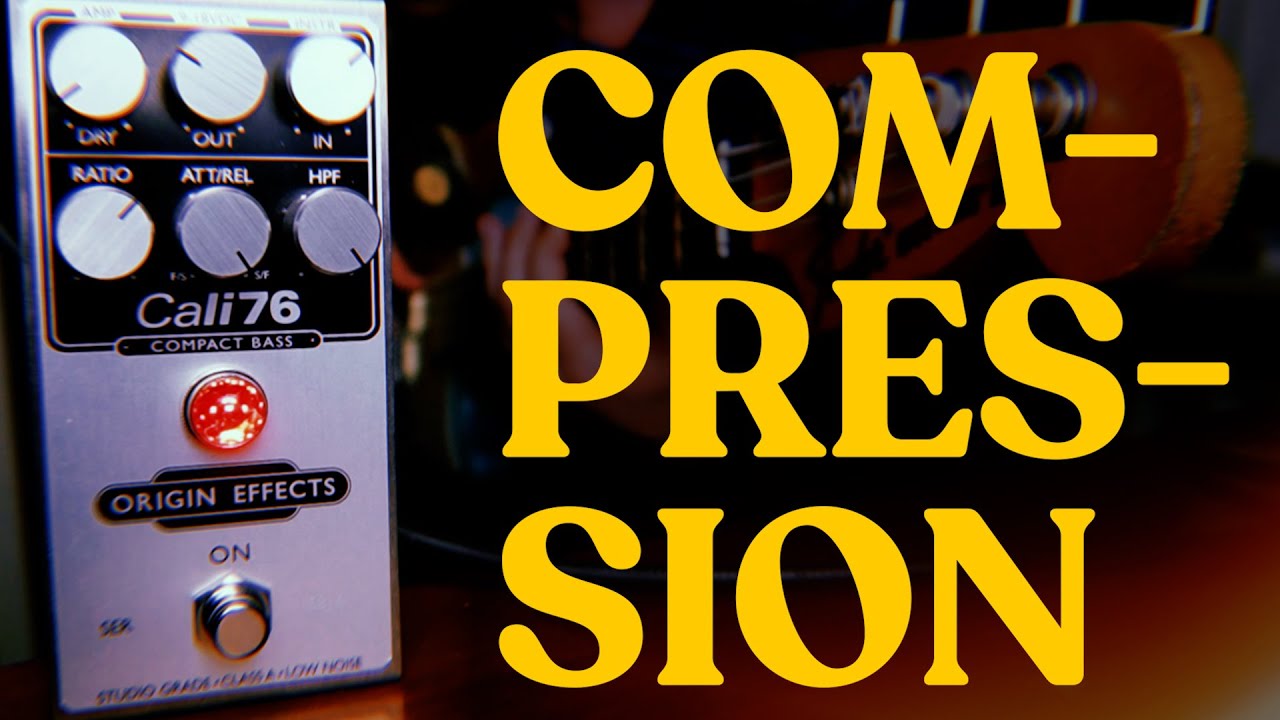
Following the recommendations from Josh and Molly Gebrian (Learn Faster, Perform Better), I have decided to start recording myself (both audio and video). Part of it, is to be able to evaluate my progress, identify areas of improvement, but also to create a feeling of having achieved something. I plan on using the jam tracks for each module (the full version without bass) to record myself initially.
I also thought it would be good way of getting familiar with how to record myself, before I start to learn songs from the song pack.
All of the above was of course just a bad excuse for buying more gear. As a result I have bought a YAMAHA URX44V audio interface/mixer. The URX44V has some built-in effects (is that the correction description?), e.g like:
Gate
Compressor
EQ
Ducker
Delay
Here a link to the user manual:
But as a someone, that has absolutely no insight in recording and processing audio, I was wondering which of these effects makes sense to use for recording bass?
My guess is that it would makes the most sense starting out with using a Compressor initially?
I have read a lot of threads here on the forum, but is quite overwhelmed by all the information and it seems like most topics regarding compressors are referring to pedals.
Furthermore I also tried to use the AI assistent from Google to search for recommended settings for the Compressor (I can share the recommendations here if that would help), but does anyone has some good sources for inspiration on how to determine the settings?
@Henning I am also a newbie (started B2B mid-July, finished 1st pass mid-Sept) so this is not advice from experience, but rather how I am approaching your goal.
I started recording covers in September ( BassCovers ) for the same reasons as you. As my current goal is to improve my playing, I am not really concerned about developing skill at setting tone, yet; for now it is my fingers, tab/score reading, timing and speed that I am working on. That means no pedals, and no effects plug ins. (Note that in one video @JoshFossgreen admitted he rarely takes pedals to gigs.)
Minimum gear needed is your bass, an audio interface (AI), and a DAW on your computer with camera or even phone with camera.
I started light duty for the AI, with a Focusrite Scarlett Solo. It is all you need, and low price. You get a few more features at double the price if you get a 2i2, but not needed.
If you have a Mac you have a very good DAW included as GarageBand. For audio only recording you also can use the free Audacity (v 3 for STEM separation, v 4 for better interface while recording). I add free OBS to my Mac to manage the video recording with camera, DAW, and overlay images but I know some here just record on their phone.
If you are not on a Mac, look at the several free DAW programs you get when you buy a FocusRite AI. Start with one of those; buy fancier, more powerful later .
Good luck and have fun with the erecording. I can assure you I am.
Oops, forgot to address the compressor question. Garageband comes with some amp simulator plugins already installed, and they include a compressor I do use for my recordings. IN your Yamaha AI that is llkely all you need now, too.
My personal opinion is that for the stuff you’re just trying to record for personal feedback is the more warts the better. You don’t really want to hide the bad stuff as that’s how you learn what you need to work on. As for public consumption, a bit of polishing isn’t so bad.
Thanks a lot for sharing your experience and ideas,@CraigS
What I probably hadn’t realized when posting initially, is that I’m probably trying to achieve two different things at the same time. One is the video for the learning experience and secondly I want to create like a video diary for each lesson, whenever I feel that my playing is good enough for moving on.
So I might need to consider a video without any effects, to evaluate myself and my playing. In case I find my result is good enough, I probably want to keep that video for my video diary. As I think I can create two tracks simultaneously, one unprocessed and another with a compressor added to the track, I can use the second track for my video diary.
I agree with you, keeping it simple is an added bonus. The YAMAHA URX44V allows for recording each single track to a memory card, so I don’t necessarily need to attach my computer. I can attach the bass, my tablet or phone, and then set up the camera, and I’m ready for recording both audio and video.
Maybe I should consider to connect the camera to the audio interface and pass through the video to OBS on the computer, and that would be solve the use case of recordings for evaluation of my playing.
The YAMAHA audio interface came with Cubase AI DAW, but I was hoping to avoid using a DAW, but instead importing both audio and video directly into DaVinci Resolve. If I record a track both with and without the compressor added, I could simply use the track with compressor in the cases, where I find that my playing is good enough for creating/editing a video for my video diary.
Thanks a lot for sharing the two videos, @mat-O-matic . Both are brilliant and definitely worth watching.
Great suggestion, I had thought about that as well. After watching the video from Sara Carter, I now feel like I have an idea about where to start with the settings.
I think, that is a great suggestion, @kamikos Thanks for sharing that idea.
Maybe a video from OBS studio, with the clean track for evaluation. In case I’m satisfied with the overall quality I can create another video from the track with the compressor added, that I have recorded on the memory card in the audio interface, combined with the video file from the camera memory card to get the best quality in that particular case.
Consider using a single, clean recording from your recorder then apply the compressor as an effect in DaVinci. You should be able to adjust settings and toggle effects on and off, and duplicate tracks with different combos. I know it’s available there, but can’t speak to specifics as my experience is mainly with Adobe products.
I’m still new to this as well, so take this with a grain of salt, but I think the general consensus here is to record the track as cleanly as possible and then add the rest of the goodies afterwards as needed. In your case if you’re doing your final video in DaVinci, you can add the compression, EQ, etc in Fairlight as an effect (it will find all of your VSTs and plugins.) Same idea with a DAW before it gets to DaVinci. Same also with OBS.
Ultimately it comes down to what works for you, your workflow, and your preferred tools.
Thanks for your suggestion. My concern is, that I might end up making it too complicated for myself, and thereby failing to get anywhere. So I thought starting out with a track with compression already applied would simplify the editing in DaVinci Resolve. I have very limited experience with DaVinci Resolve myself, as I have only finalized one project until now. And that took me a looong time..!
That is a good point, thanks for mentioning that. I’m afraid that learning both bass, audio recording, mixing and video editing at the same time might cause an overload of my limited capacities. So I probably need to make some short cuts, to be able to succeed. But I defintely get your point and that it would add more flexibility by starting out with a clean track, so I don’t limit myself by having baked in a compression, that is subpar and can’t be undone.
A compressor is used to cut the signal a certain amount if it goes over a certain preset level. So if you have it set to say 100 decibel threshold if the signal comes in stronger than that, the compressor will compress the signal by whatever ratio you have it set at or it may be preset. It is not a bad idea to use them for recording to minimize clipping.
Thanks Larry, I guess that is what is also called a limiter in some cases?
The YAMAHA URX44V has an Auto gain feature, where I play for a short of time, and then it will automatically set a gain. That is what I have used until now. It also has a Clip Safe Feature, that can lower the gain if the signal comes in hot, but I haven’t had that activated until now. I’m not sure if there is a limiter available in the URX44V, as I’m still in the process of learning how to set it up.
Yep the limiter part is the signal strength level you want the compression to start at. I will say this that it can be preset say in a pedal or an amp and it can be set to effectively zero so when you turn it on, it will compress the signal no matter what the signal strength is to whatever ratio it’s set at.
Compression is about making the body of your signal louder. You’re trading dynamic range - the total decibel range of the peaks - for loudness of the body of the sound. This “compresses” the signal range and results in sound that more emphasizes the character of most of the signal.
By limiting the peaks, you can raise the volume of the remaining signal to higher levels and it makes everything sound “better”. However, if you go too far, you lose dynamic range and the sound becomes flat and sterile.
A limiter is just a compressor with an infinite compression ratio. It’s job is to prevent peaks from exceeding a level that you set. It’s one function of a compressor but not the most important one.
 As a result I have bought a YAMAHA URX44V audio interface/mixer. The URX44V has some built-in effects (is that the correction description?), e.g like: