I just picked up my first bass yesterday, and did the first two lessons. My setup of just playing the course on my Macbook Pro laptop didn’t work so well.
I had my bass plugged into my Zoom B1X Four, as well as my Sony Studio Monitor headphones. I could hear what I was playing but couldn’t hear the notes being played by Josh.
I guess I need to buy a combo amp, plug the bass into that, and my headphones into the laptop.
What other solutions are there for hearing what Josh is playing, at the same time you can hear what you are playing?
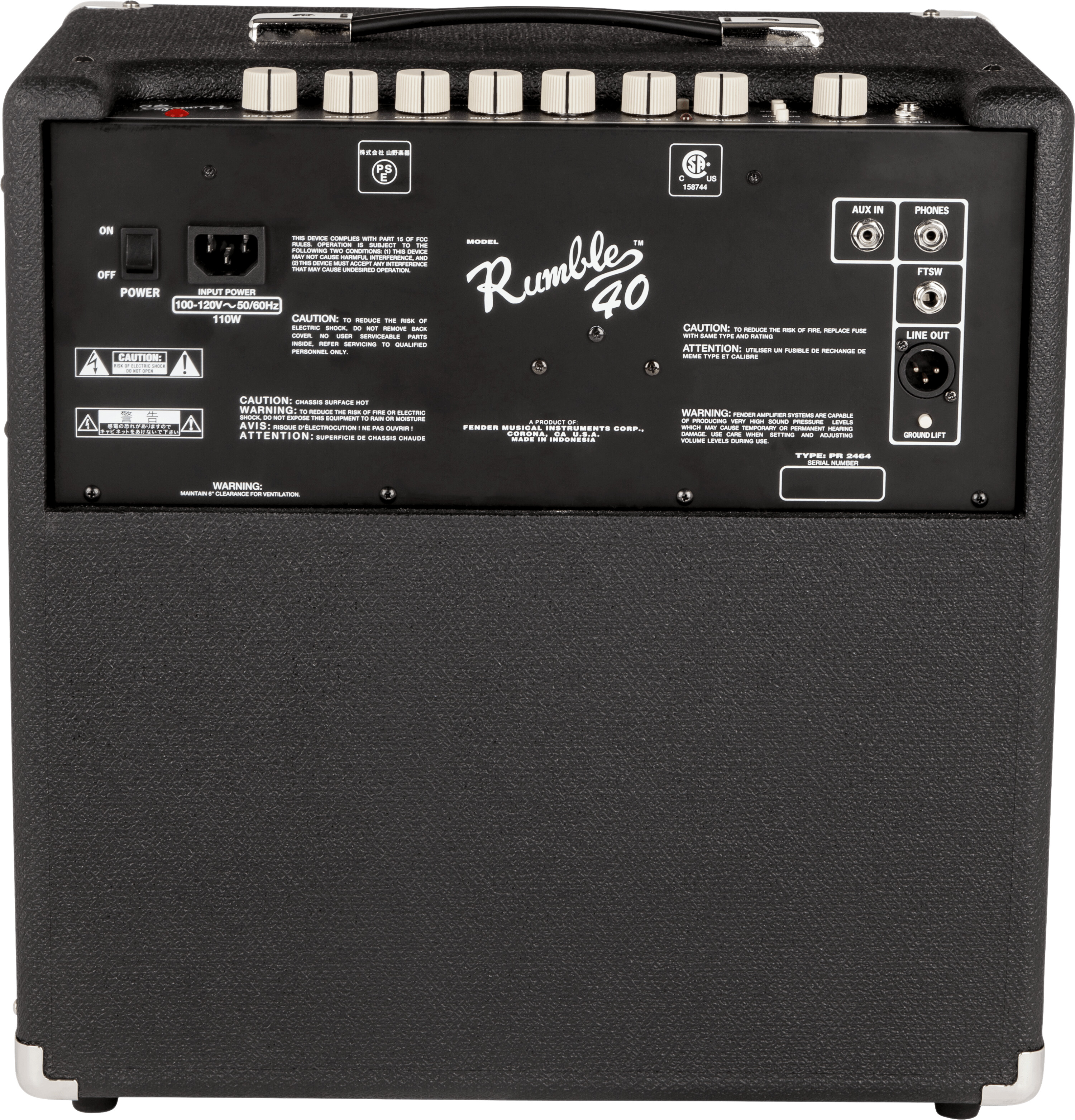
My bass amp has the option of running auxiliary audio through it, plus it also has an headphone out. I send my computer audio through my amp via the headphone jack on my computer to the aux in on my amp. Then I run headphones out of my amp headphone out… so I hear both at the same time. I can control the computer volume using the volume controls on the computer and the bass volume via a knob near the headphone jack…
Now, after all of that, I have a “high end” amp (Darkglass Alpha Omega 900) … but looks like the oft recommended Fender Rumble 40 will do the same thing…
That’s very helpful Mike. Thanks! If bass playing turns out to be my thing, then I’ll look forward to building out a high end amp setup, but for right now I think the Rumble 40 would be a wise choice. It also looks like I might be able to link my laptop to the Zoom using the same approach, so I’ll test that out to see if it works.
Thanks again for the insight.
I have an interconnect like that but it’s short. Luckily Target sells and carries a 10’ long interconnect by Phillips. I’ll pick that up tonight and see if that works between my laptop and ZOOM. Meanwhile, I also ordered a Fender Rumble 40. I’d seen very good reviews of this on the BassBuzz YT channel and elsewhere, so I’d already planned to pick one up in a few months. Since it likely works better for lesson use than ZOOM and Headphones, I rolled with the advice in this thread and should be back in business soon.
I prefer the bass and audio to come from different sources. For example, computer/ tablet connect to monitors/ speaker and bass to amp. It’s a much better learning and playing experience.
Good suggestions in this thread! Also check the video on Practice Setup in the Gear Module, just scroll to the bottom of your course home page to find those.
So into that runs a power supply, my headphone amp, my AKG headphones, and the tablet I watch the course videos on. And the bass is plugged into the headphone amp, of course.
I don’t know Macbooks… do they have an audio out? If so, couldn’t you just run that to the 1/8” aux in on the Zoom?
I used a lightning-to-1/8” cable on my iPad for a while, to take the audio from it into the Zoom’s aux in. It worked great.
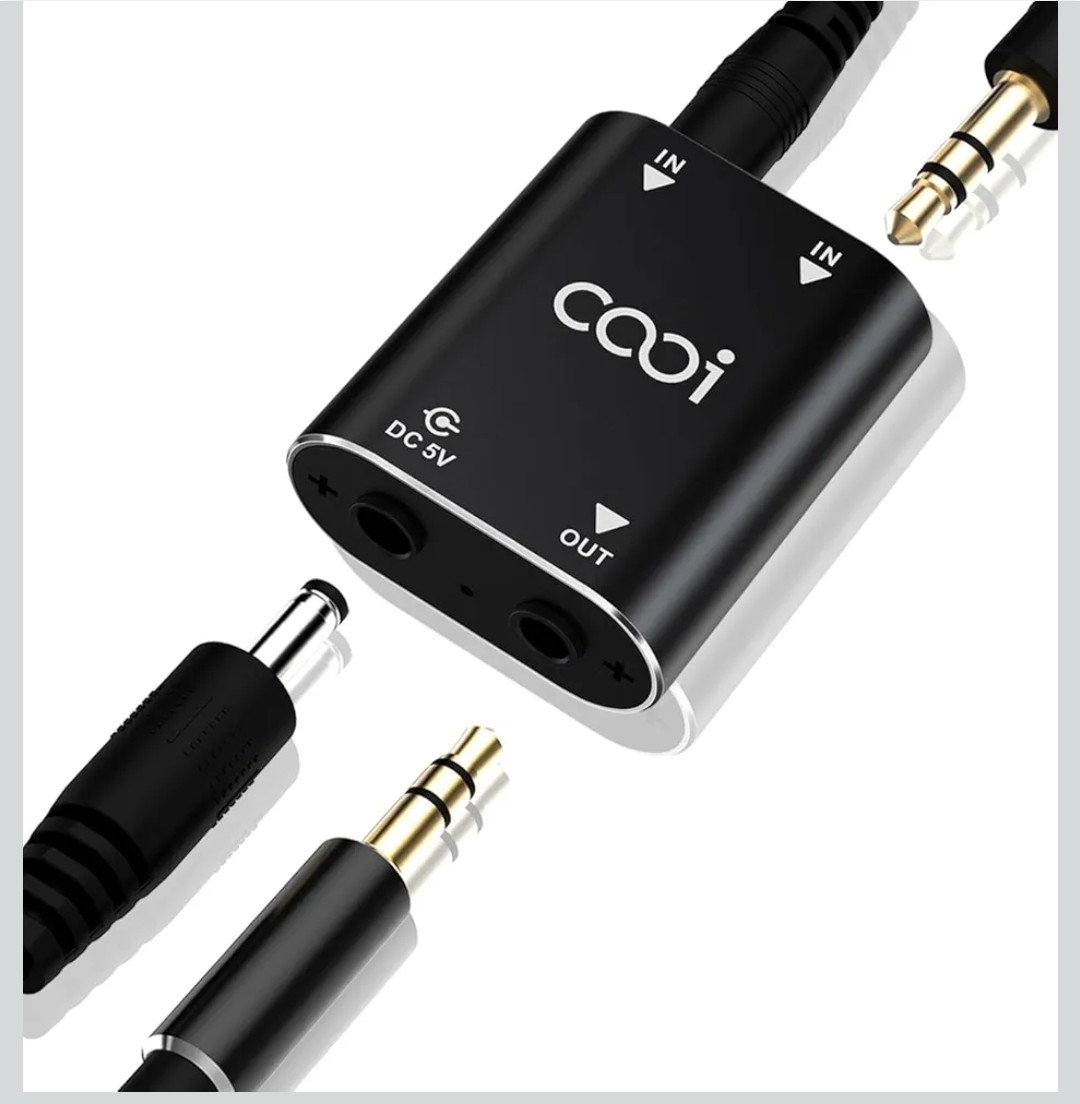
I also used a, like, $10 bluetooth-to-1/8” adapter on one of my amps, that could work too. Plug it into the Zoom aux in, pair your Macbook to the adapter. Here’s the one I used:
Ah yes you’re right, cuz I mention them at the beginning of Module 2, but you can go to your settings page and manually unlock everything if you want to!
So it’s a test of my willpower now. Challenge excepted. Ha ha. I think I’m set with all the help I got here, and will know for certain when I hop back into the lessons tonight. Thanks much for this course!
Unless I’m missing something, you have enough with just the zoom and the laptop. Plug the USB into the laptop and headphones into the zoom. No amp required.
Thanks. I usually limit my laptop’s USB connections to drives. The USB connection on the ZOOM is labeled “5V DC” FWIW. I have a 6’ audio interconnect cable now, for laptop to ZOOM use. Cheers.
The 3.5mm/3.5mm (1/8-1/8) audio Interconnect Cable solved my issue with hearing everything in my headphones.
Now everything is running into the ZOOM B1X Four and is sounding great, with my headphones plugged into the output. Thanks all!