for a getting-to-know-each-other-rehearsal with a band who’s ad I answered I need to pick out the bassline of their (original) songs by ear from their spotify. For some reason that gives me a hard time. I can find out the chord progression and melody parts quite well, but I find the bassline hard to hear. I know I could just go with root notes, but I’m curious what the original bassist played exactly and I want to come at least close to that. I have decent studio headphones, the Steingberg UR22C DAI, two swissonic studio monitors, but to be honest I only like plugged it all together until I heard a sound and that was it. How can I make the bassline stand out more with my equipment?
Hi Andrea…are you able to convert the song into an mp3 and put it into Moises AI? Then you can use Moises to split the tracks by instrument, turn up the bass to 100 and turn down the other instruments to 20 volume.
If you subscribe to something like Ultimate Guitar (to me, has the best quantity of ‘good tabs’) you can simply solo the bass line and it is clear as a bell.
Tab may be a bit wrong, but this actually allows you to hear the tab errors quite well too when you go to play it as an added bonus.
Black friday deals are usually huge for UG subscriptions.
I’ve never converted Spotify to mp3, but it looks like what Whying_Dutchman suggested (Audials) will do exactly what you’re looking for. Then, if you pop it into Moises or another stem splitter, you can just mute the other instruments and jack up the volume of the bass. The vast majority come out crystal clear on Moises for me, but sometimes a live version will get muddled. The other week I put in the studio recording of She’s My Baby by Mazzy Star and some parts of the bass were overlayed in the guitar track. But, overall, Moises has been a game-changer for me.
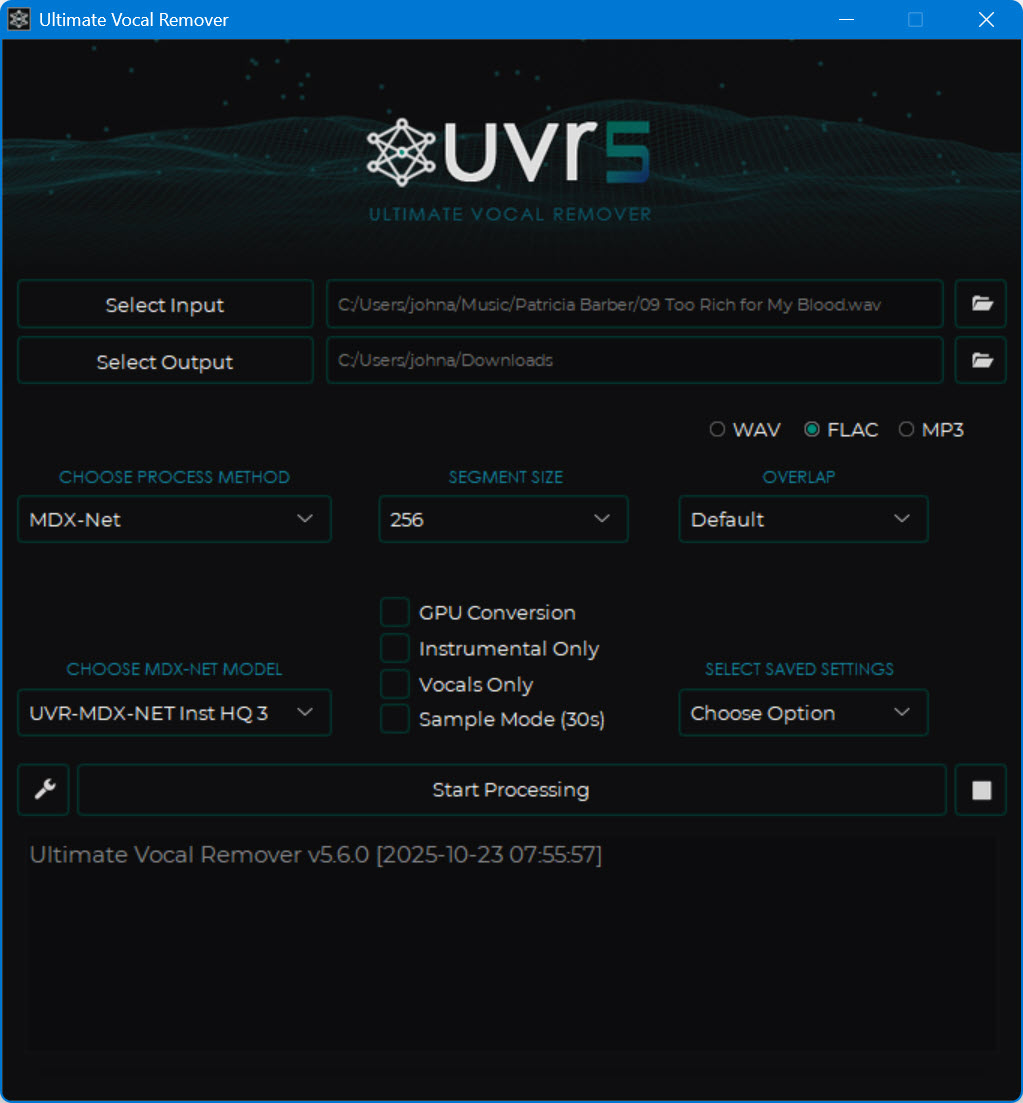
This gives you a “vocals” stem and an “instruments” stem. I haven’t figured out how to get individual stems for each instrument, if that’s even possible with UVR. I use Song Master Pro for that. It’s not free, but it’s a great tool for learning songs.
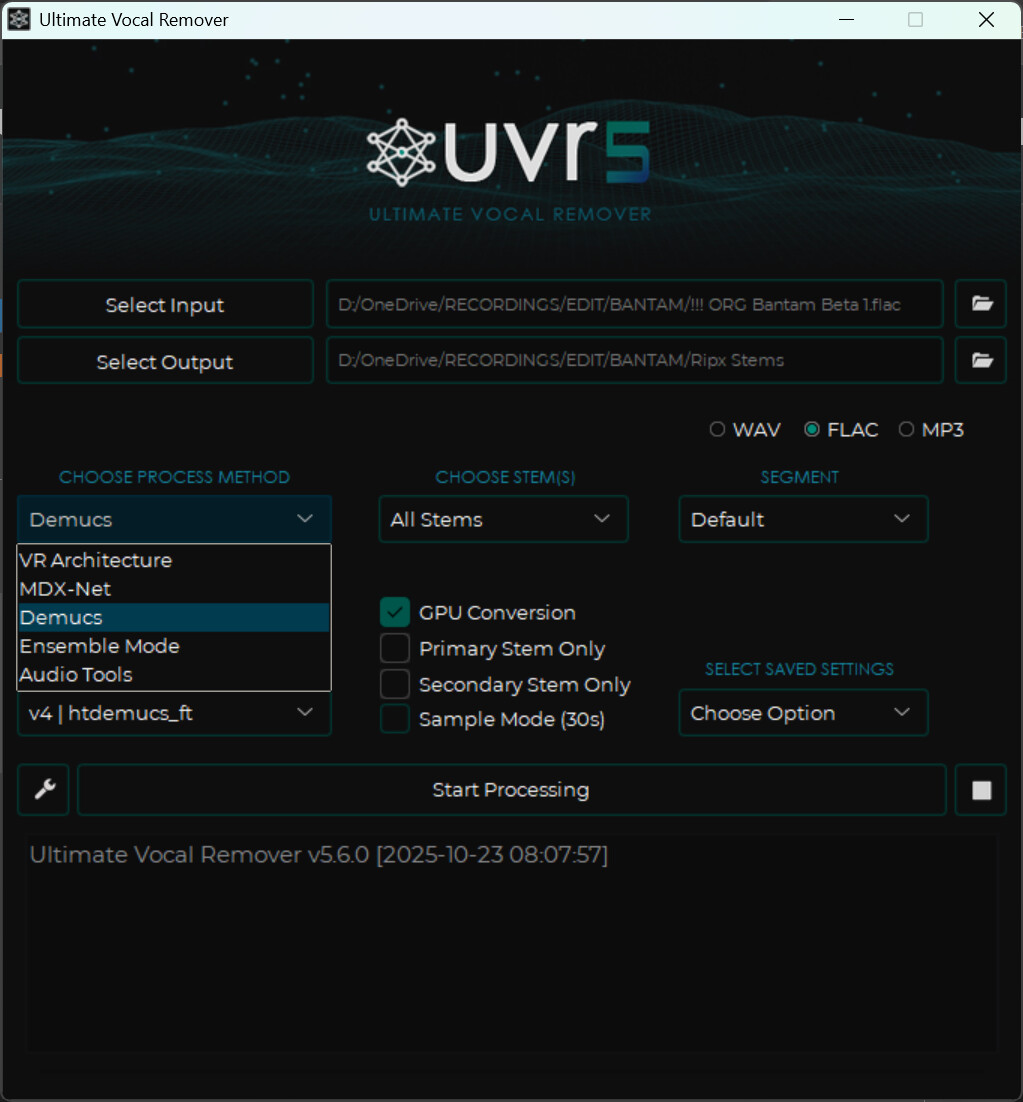
How do I select those? This is what the default screen looks like. I only get the 2 vocals and all instruments stems. There’s no manual or documentation that I can find.
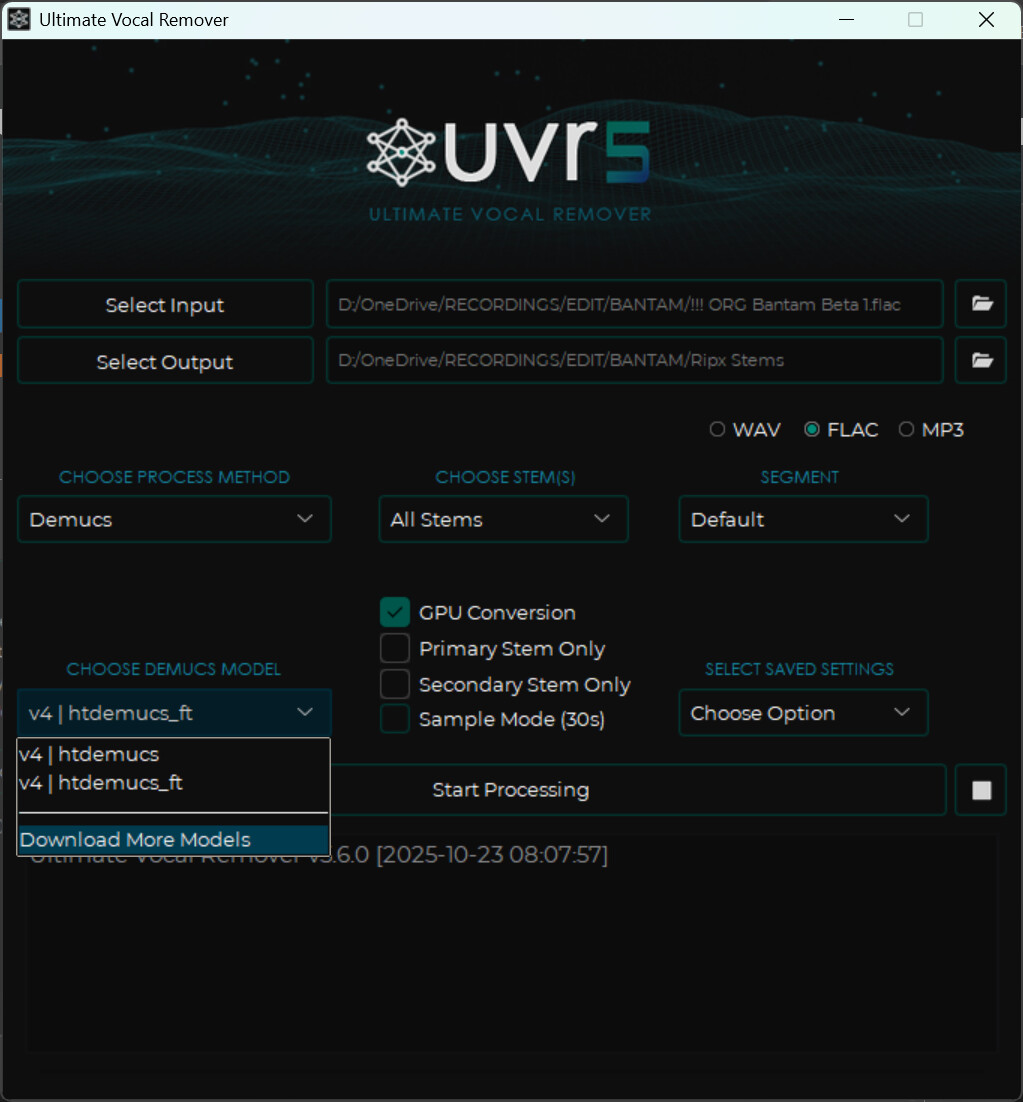
I probably shouldn’t have given it an 8 minute song to separate. It’s taking some time. I used the “htdemucs” model that was installed with the UVR app, and I just downloaded the “htdemucs_ft” model. I’m using the default one now, but will try the _ft model when the first separation finishes. What, if any, differences have you noticed between the two?
Thanks for the assistance. I don’t often ask for help, but when I do, I really need it!
I was a boy scout - assisting is my one reason to live
On my PC it does not take very long (not as long as RipX or Studio One), but I have a reasonably heavy GPU.
I am working on a remix where I don’t have access to the original files (Vocals, Synths, Beats etc.).
I used Studio One Pro’s stem separation initially, but I noticed three things:
the vocals stem contains parts of the synth
playing the track without the vocals stem (for a gig, for example) sounds artificial and somehow empty.
Parts of the drums went to another stem, so I could not isolate and remove them, for the remix.
With UVR5 everything is clean, well almost: the vocal track was 99% great, but in one 2 second part it had a strange distortion. I cut that part from the Studio One Pro vocals stem and put it into the new UVR5 vocal track.
Thanks, guys, for all the options and ideas. I can figure it out now somehow, although it’s still not very clear. It also annoys me a bit, that they didn’t give me any more but this, something like lead sheets, for example. I feel the recordings are heavily “produced”, if you know what I mean. A part of me considers not to go, but I will, because I’m not gonna wonder for the rest of my life how it would have been