Like with many software emulations of old gear, modern features get added, like polyphony. The SH-101 was monophonic.
1 Like
Yep. I saw two today 
Question for the pros: how do you properly run/use the RX11 De-Click plug-in? Once you got your settings all tuned in, you play the song with the plug-in on the track you want to de-click. Then? You bounce/render the track as a new audio file and re-load that audio file to a new track!? At which point the plug-in has done its job and is not longer needed…
Did I get that right?? Thx!
This is one way. Or on the final render.
After the audio is rendered, either by bouncing to a new track or by rendering the master mix.
This is an important DAW concept - DAWs operate on the principle of nondestructive editing. Changes are applied at run time by layering them over the original inputs without modifying them. This is really important - when you slice, edit, move, copy, paste over, comp new takes, etc to any audio data in a track, you are not editing an audio file, just the logical view of the audio in the track in the DAW, like layers in Photoshop. The final audio only exists when you render it somewhere; otherwise it is created on the fly.
This allows you to do any kind of modifying of the audio in a track while still being able to change those parameters later. If it did not work this way you would not be able to, say, reduce the amount of compression or distortion you have added to a track, or disable all plugins and hear the original - edits would be final and the original audio would be lost.
Audacity, on the other hand, does NOT work this way and destructively edits the original audio in-place, like an audio file editor. It’s a big part of why I keep saying Audacity is NOT a DAW.
2 Likes
Makes a lot of sense. Of course, “on the fly” creation is CPU-costly, and rendering can save CPU time (albeit at the cost of “losing information”).
Thanks!
1 Like
Yes and this probably the second most common reason people bounce tracks to audio tracks (with the most common being they are laying down multiple tracks with the same hardware synthesizer). You then keep the original around, muted.
3 Likes
Baby Audio is making a drum synth that looks like it might be a worthy spiritual successor to Microtonic.
I own and love Microtonic so I am all good, but this one looks really nice - great UI, sound, some nice analog emulation features, etc.
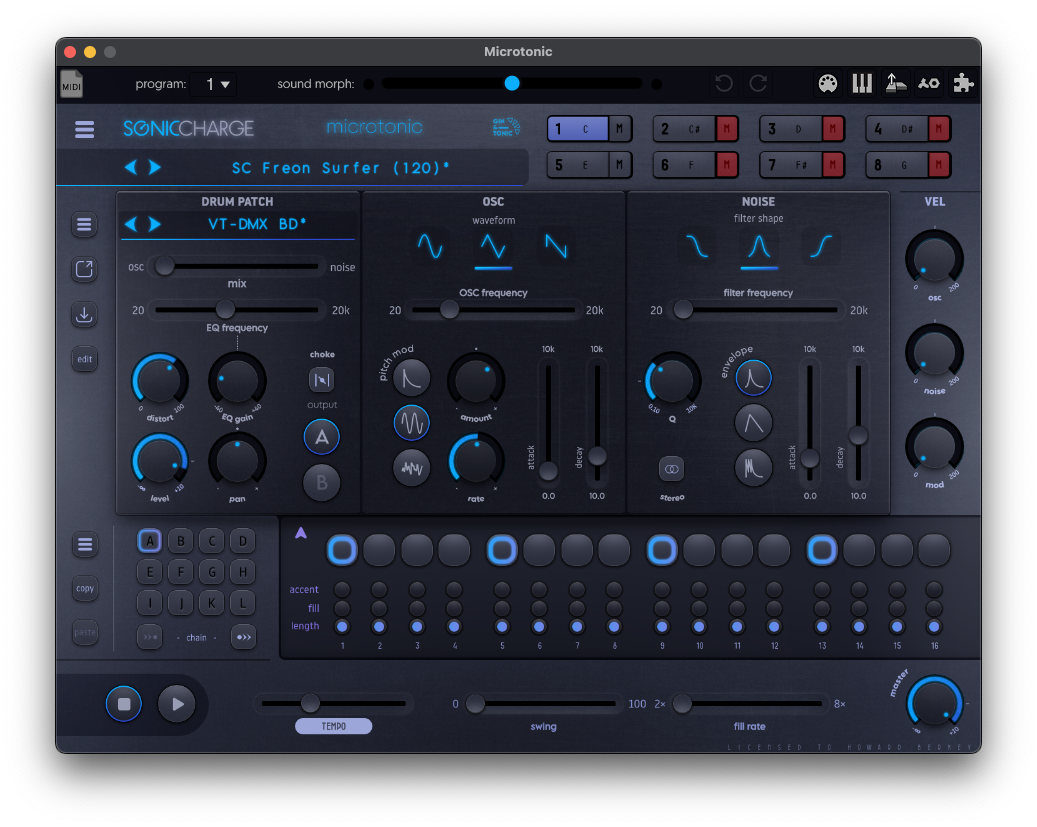
If you are interested in what I consider the GOAT of this type of drum synth:
Sounds amazing, simple to use, skinnable, and the Patternarium is a super inspired evolutionary learning project.

It’s super skinnable too, here’s mine:
3 Likes
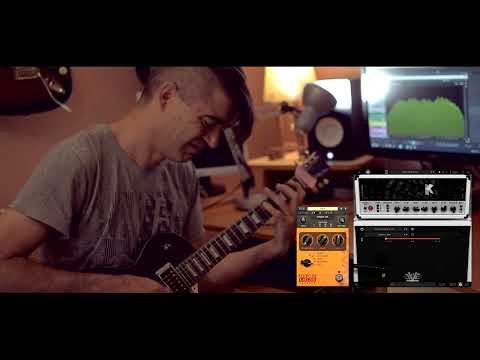
Sweeeeeet, Kuassa released a 5150 sim. I’ll be getting this for Black Friday.

3 Likes
I love a 5150 sim. Last thing I need is another one though.
I sold Amplitube so I need a 5150 and a Soldano. Will probably get the NeuralDSP Soldano. Will 100% get a Kuassa 5150, I love Kuassa’s stuff.
1 Like
I’m kinda glad I haven’t gotten into plugins yet. This seems way, way worse for my bank account than collecting pedals.
I have absolutely not saved money by going fully ITB.
Especially as I am no longer entirely ITB, I have a hardware synth now too so I spend the best of both worlds.
1 Like
Here’s one for you folks wanting to do covers…
An adjunct for Scaler 3 that detects scales, chords, and keys in audio. Kind of nice if you don’t want to pay for the polyphonic version of Melodyne.
3 Likes
Very cool, bookmarked for when I start getting paychecks again. Do you know of one that can tell you the bpm of a track?
1 Like
most DAWs should be able to detect bpm in an audio clip. Logic has a few ways.
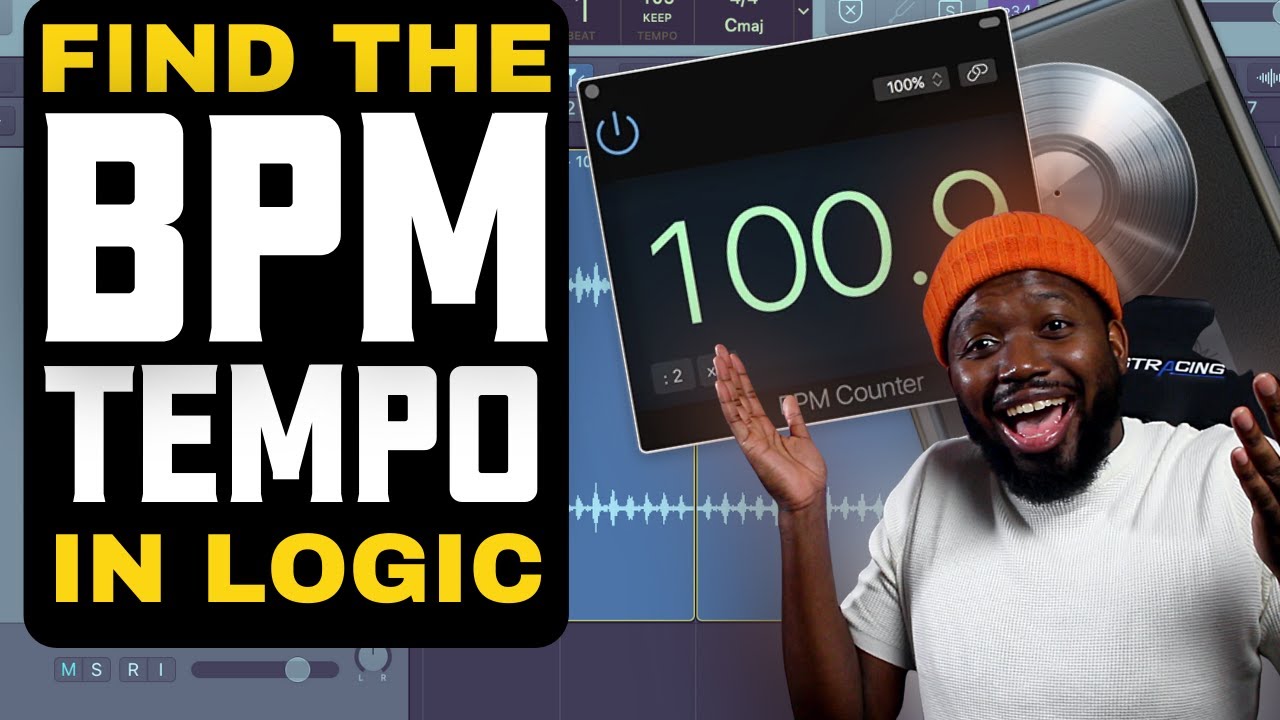
usually though I just google it and set the BPM in the DAW project before doing anything else at all.
1 Like
One of these days I should learn some of what Logic can do besides stem separation. I still do most of my actual recording in Garageband because I’ve got my default template set up just how I like it.
1 Like
This is the way.
Studio One Pro 7 has a very nice BPM detection feature that works per bar, taking into account variations within a song.
It works soso. Often it’s absolutely perfect, but for some songs it’s total rubbish. Either twice the actual BPMs or (worse) sudden peaks that have nothing to do with the song itself…
Just google the bpm and set it directly.
hey, I realize I could be opening up a can of worms here, because everybody probably has personal preferences on this. but do I really need to keep all the key codes and proof of purchase emails for all these silly plugins because they’re really starting to pile up. I mean, all that shit is online anyways isn’t it?