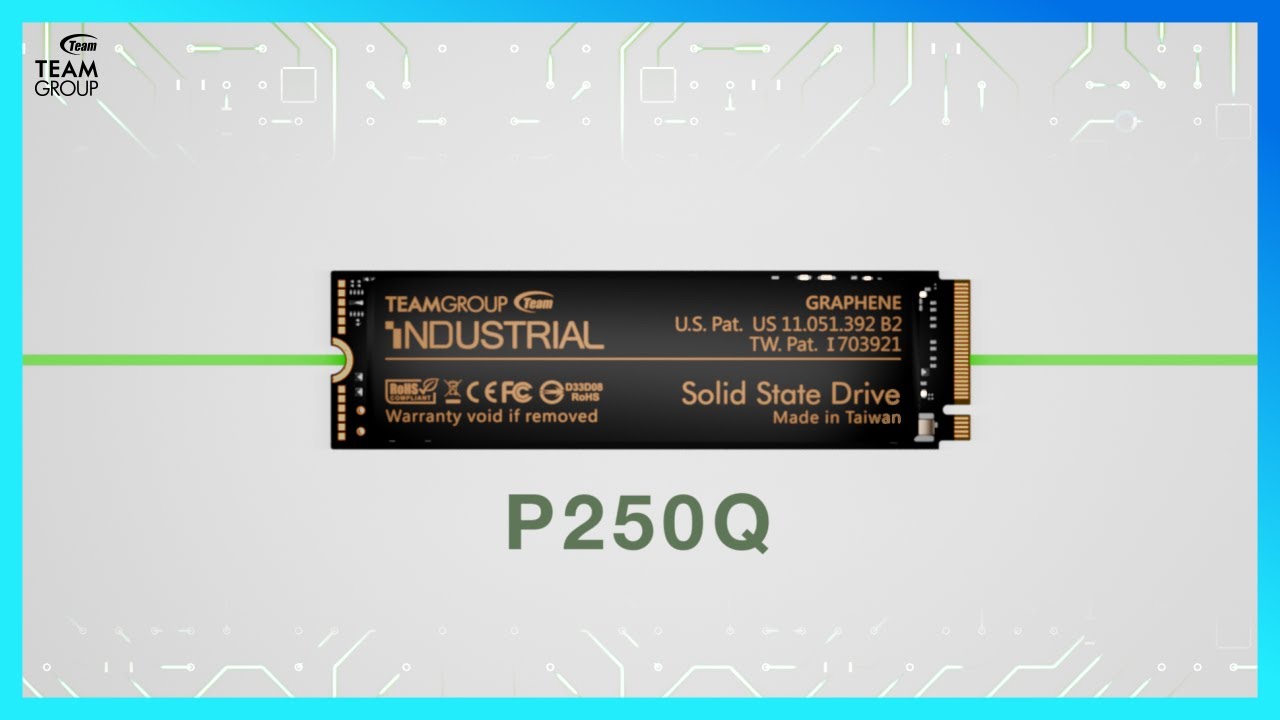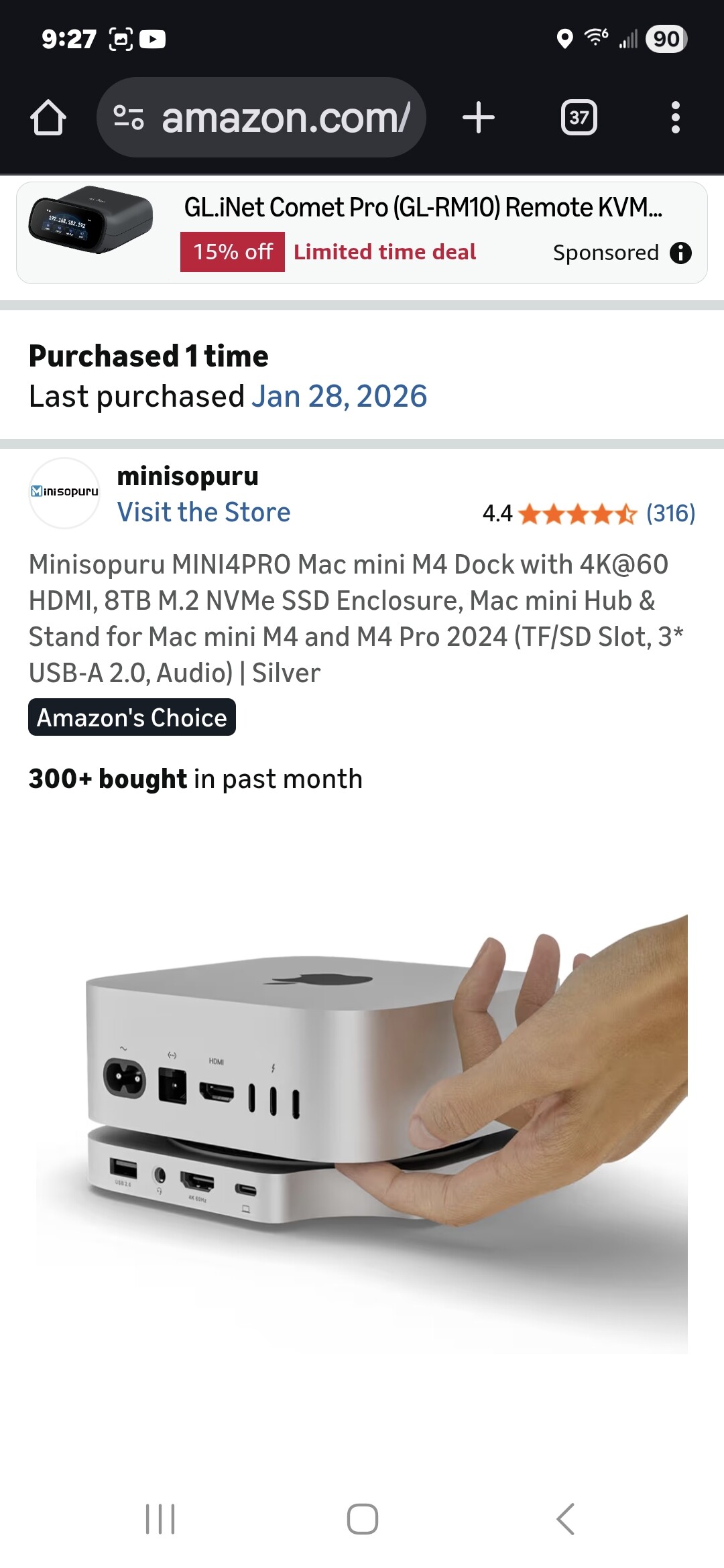
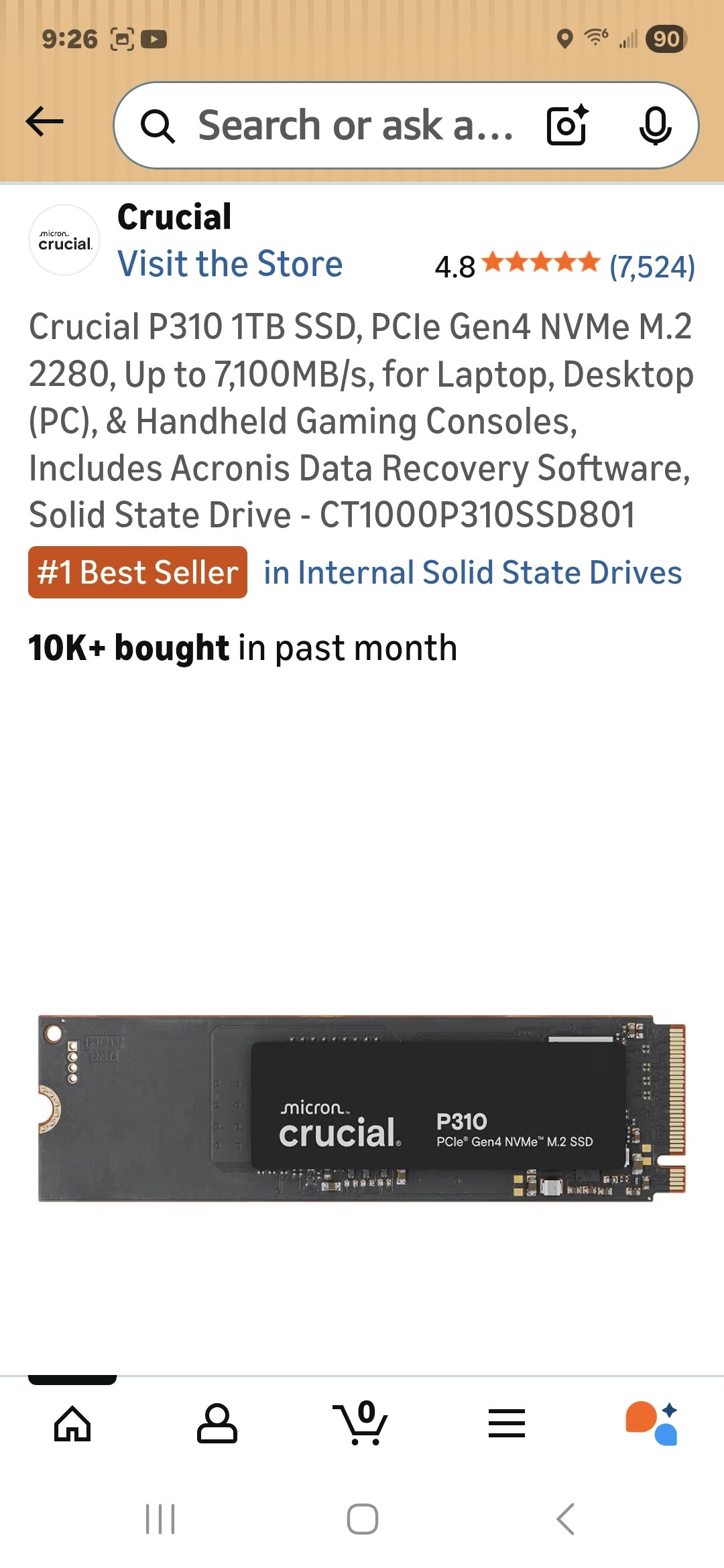
I will try and get through this without going on another apple sux rant which nobody wants to hear. but yesterday I went to download a plug-in on my new Mac mini and got an error that it couldn’t be installed because, go figure, I’m out of memory on it. because you know the whole Apple memory scam (dammit I’m doing it again). so I bought the above two items and of course had to pay a Kings Ransom for 1 TB of memory. no problem I thought I will just transfer everything onto this external drive. now I start looking around online and seeing instructions that to save space on my Mac I should move things like photos and movies. I don’t have any of those. I have plugins and music apps and samples. and most of these it is highly recommended that you not move them because they might break.  so I read on a thread on Reddit what might be a kind of ingenious solution. and that is to use Mac’s disc utility program to format the new drive into apple format and clone my existing Mac onto it. then use the external drive purely for music apps/production like using ableton etc, and the original Mac for everything else. I have questions. number one is should I do this/is this stupid/will this work? I am still in my return window for all my equipment on Amazon. question two is what is a good backup plan for music? I mean besides saving ableton projects and whatnot. I’m thinking the best candidates for cloud backup would be samples obviously, apps shouldn’t need to be backed up because they can just be re-downloaded. you can’t really back up plugins and they can be redownloaded too but somebody suggested saving the installers does that make sense? because trying to redownload all the installers and save them would be a gigantic pain. question 3 is if I do this does this count as moving everything to a new computer, ie am I going to have to count these as a new activation in like ilok etc. thanks as always for advice and I might have more questions as this goes along.
So, first things first: running out of “memory” is NOT the same as running out of “disk space”.
Since you mentioned “1TB”, I assume you are running out of disk space!?!
From the screenshots, it is not quite clear what you purchased there!?! Is that “crucial” to replace your internal SSD in the Mac?? I don’t think you can use this as an external disk without a controller. I would suggest to buy one of these instead:
https://www.proshop.dk/SSD/Samsung-Portable-SSD-T7-Shield-2TB-Beige-Ekstern-SSD-USB-32-Gen-2/3068075
It’s important to buy a fast one (re: data transfer)!
I would never install programs/apps or plugins on a remote disk or clone; only on the main computer and then - if pressed for disk space - move all data/files onto the external disk.
How much disk space do you have on your Mac? If you don’t have 1 TB, then, yes, I hear you… it’s a disgrace that these can’t be easily replaced/upgraded on Macs…
If you have 500GB, then I would indeed make this a music-only machine and get rid of as many other programs and their data as possible.
I want to get another Mac mini M4 and I learned that I can get the NVME 2TB and what not. One of the key things to do is to is from the start I need to assign the OS on to the external storage and leave a copy on the drive in order to make change later.
My M2 mini has plenty of storage space but it’s external and none of the app is installed on the external drive. That’s why I have the space issue all the time. I might start over on this one and see how it works.
Install the system as you would. Put storage on an external drive. Make sure the drive mounts on boot.
Map that drive to a symbolic link on the main drive - apps will not be able to tell that it’s not physically on the computer.
2026 - Mac users have become Linux users from 15 years ago.
I used to be a Mac guy. I had a top-of-the-line iMac at work (dual boot with Mac OS and Windows) and a top-spec Mac Mini at home. But in my career, EVERYTHING is Windows based… servers, clients, WCF, C#, the whole nine. It doesn’t make sense for me to be Mac-based.
Although every day I do long for another Mac Mini, for GarageBand if nothing else. 
All new Mac models use Apple’s own M SoC (system-on-a-chip) chips. These chips include the CPU, GPU and memory. Memory (RAM) can’t be user-increased because it is integral to the chip when it is manufactured. Therefore, it’s important that a user is sure to buy a model of Mac that comes with the amount of memory on chip needed to meet his/her use case needs.
File storage space can be easily increased by adding one (or several) external drives.
Additionally, a bootable Mac clone can be easily created on an external drive, i.e, you can have your MacOS, applications and any files you want on an external drive that looks an acts exactly like your Mac.
A Thunderbolt hub can provide several additional ports for connecting several external drives for virtually limitless file storage.
In short, any Mac’s file storage capacity is expandable. But RAM capacity is chosen at the time of purchasing/ordering a Mac.
I’ve used every version of Mac professionally since 1984. The M-chip Macs are the fastest and most dependable Macs ever.
My current workstation is a Mac Studio with 64GB of onboard memory (RAM). Its internal file storage capacity is 1TB. This machine has allowed me to do everything my creative agency has needed: video editing, animation, graphics creation, as well as business applications.
My backup is an M-chip MacBook Pro with 32GB of memory and 1TB of file storage. I have cloned my main Mac to it so I have full access to my files and applications when I am shooting on location and working at a client’s office.
NVME-equipped external drives are small and portable, so transferring hundreds of gigabytes of video and audio files from cameras and field recorders is fast and easy.
All to say, any Mac can be tailored to accomplish whatever a user needs. The tools are readily available, whether software or hardware.
I’m my agency’ technical lead (desktop and servers) and we’re fully in to the Azure / Entra / Intune / M365 environments. I run home to my Apple everything as fast as I can. I get all the Microsoft that I have any desire (I like getting paid) for 8 hours a day. My Intune admin is the same way.
I totally get that too. And I used to be that way, which is why I was running dual boot iMacs and Mac Minis at home.
But now… I have to switch back and forth between client’s environments and configurations and customizations and source code so many times all day every day, that I don’t want to have to switch yet again to a whole new OS when I get home. I just want to sit down and play the few games I play and browse the forums I browse and all that without having to switch mental gears. 
I’ve been driving around doing errands with my wife all morning so I haven’t had a chance to pitch in. but thank you all for your comments and suggestions. I kind of figured out that I’m probably overthinking this, I can just do what I proposed and if it doesn’t work it’s easily reversible.
Oh I fully endorse making your workflow easier for yourself. I just find the Mac system more intuitive for how my brain thinks. I keep trying to get my uppers to let us start offering macs to our users. Maybe that will be easier now that IT has been consolidated across our whole department. Other agencies (USGS especially) are much friendlier to working in a mixed ecosystem. Loved having my native BaSH shell on my desktop when I was with them.
I keep all of my music and video files on an external archive drive plugged in to my studio. Use my iCloud to transfer off my macbook (thats what I run garageband / photo booth / iMovie off of) and leave my system drives alone. I’ve got a 1TB drive in my studio but my macbook and iPad are both the lowest tier of storage. Storage is cheap, I’d rather pay to upgrade RAM.
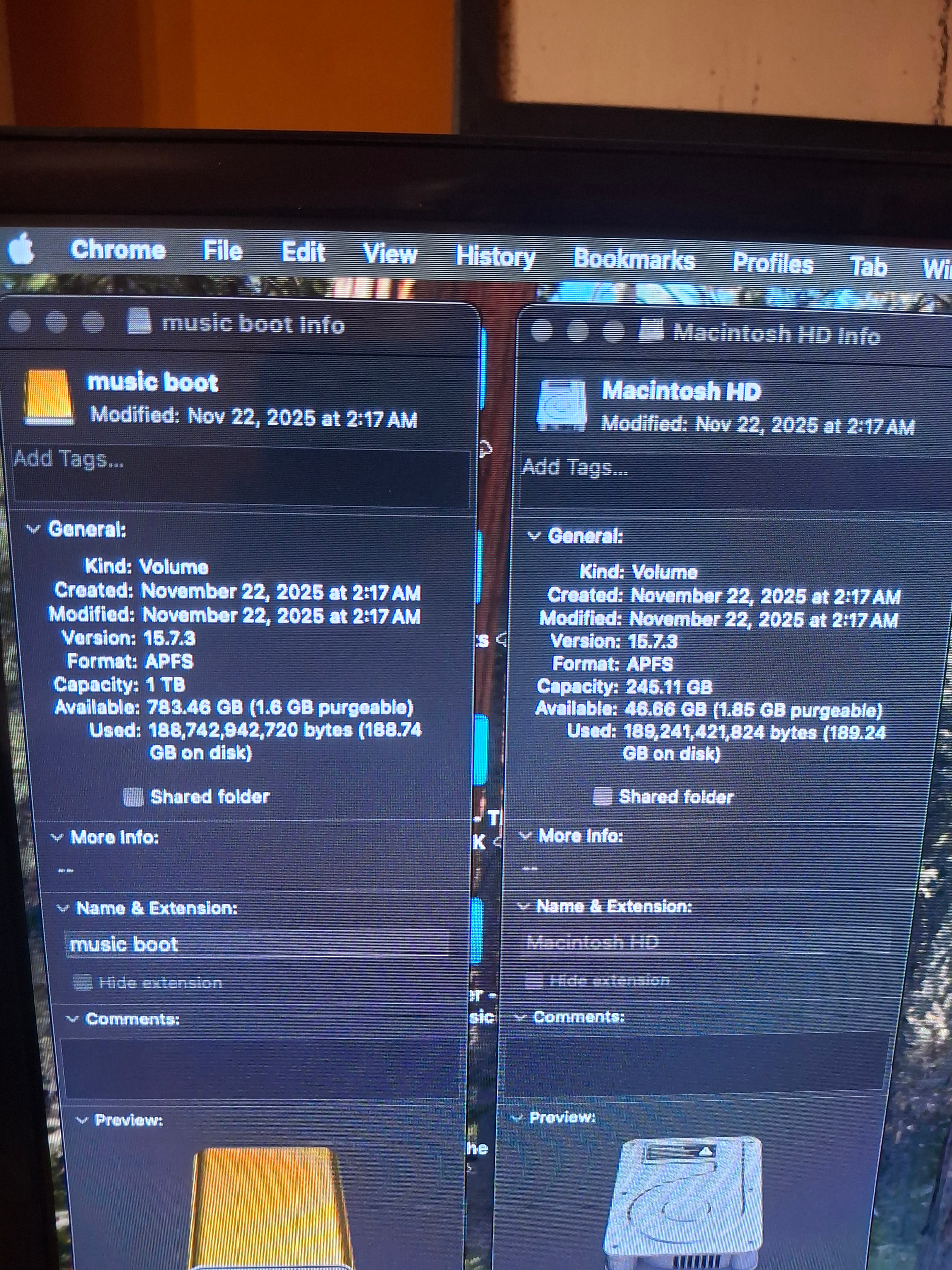
dammit apple, you’re making this hard. so apple wouldn’t clone the drive in disk utility (shocking), some hard stop alert about a broken seal, which no one online could ever figure out what it meant but several people said just do it with carbon copy cloner. which is $50. but it worked if anybody wants to use this to do this, use the legacy copy option in ccc otherwise it will clone but you can’t boot into it. so everything is up and running, it seems to work just fine, everything is opening, everything is working, it seems snappy enough, even startup time isn’t that bad. i will use it for a few days to see if anything is amiss, but if it isn’t i can start deleting duplicate stuff off my factory drive. btw here is the before and after, and this is after I deleted a bunch of unnecessary stuff off the hard drive.
This is actually an excellent utility.
Basically what Jörg said is right - just add an external drive and put stuff on it. You can point install paths for software there and add it to your VST paths in the DAW. Everything will work fine.
Use Carbon Copy Cloner. It clones drives beautifully.
Also you don’t need to clone to the external drive, just format it as a second drive and put stuff on it. In the DAW configuration you can add new paths for where to look for plugins and music software. Then in the installers you can just add it on your new big external drive.
Yep, but if you need a bootable clone, Carbon Copy Cloner is the ticket.
Yeah. It’s great to just have around and more reliable for backups than Time Machine.
Just buy this @itsratso because you can’t been too careful