Moises vs Studio one Pro

Song Master Pro is like a toolbox, not just a single tool like a stem splitter. It has a stem splitter, chord identifier, playback speed control, flexible loop control, a phrase trainer that will automatically increase the speed of playback over a set range with specifiable speed increase percentage, a key changer, a stem mixer so you adjust each stem’s volume.

There’s more, but I have to take my dogs to the vet for their annual vaccinations.

2 Likes

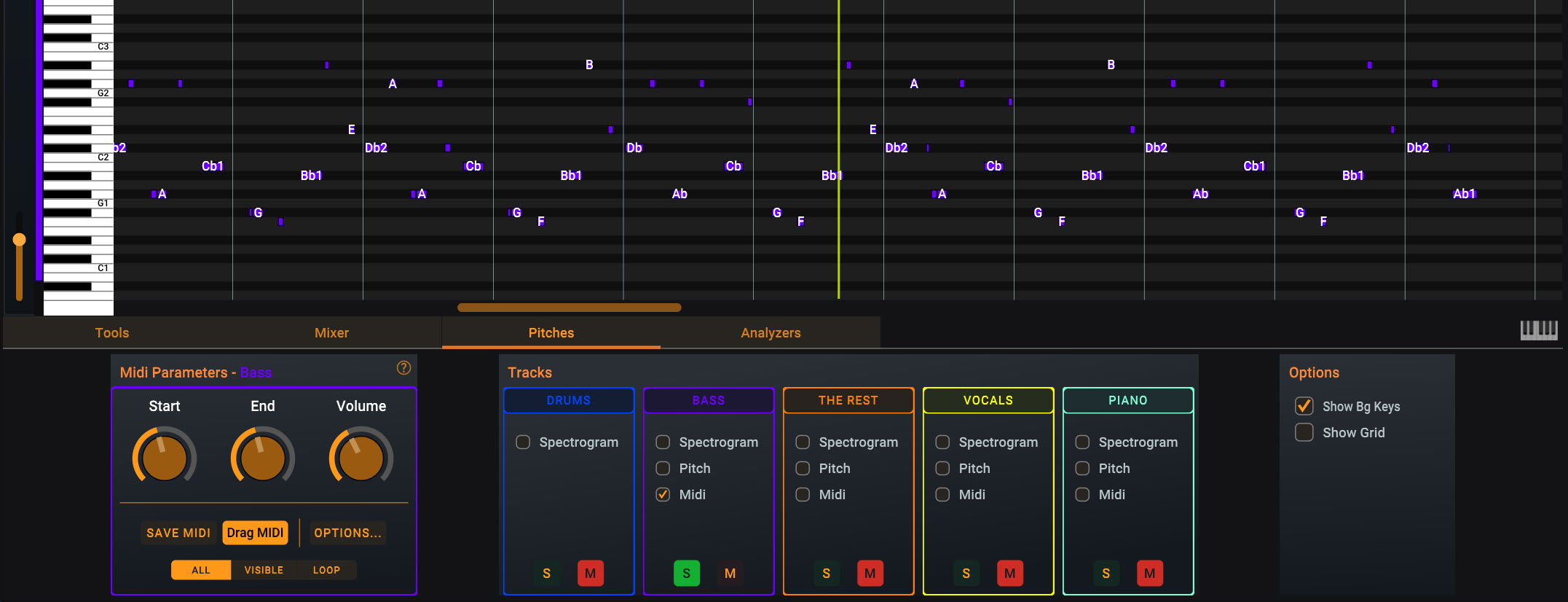
Here’s another cool feature. In the Pitches tab, you can select “Midi” and SM Pro will give you the note names on the piano roll. This makes transcribing super easy. Being able to drag the MIDI into another app is a nice feature. Note that I’m using SM Pro.

2 Likes

That’s handy! Does Fender Studio Pro have a similar feature? I think I read somewhere it can recognise chords. I still didn’t get around to learning how to use this DAW. It’s so much to learn. The manual has some 600 pages. The video tutorials on YouTube are for the older versions. Maybe it’s easier to get into it if one has used a DAW before. It’s all new to me. I’ll get there, but it will take time.

1 Like

I think I also read that somewhere.

Song Master Pro obviously can recognize chords, and this would be an interesting feature to me.

So, @TheMaartian - did you play around with that feature? Is it usable? Is it precise?
My idea is to play along the song using the chords displayed…

Is it usable? Yes. Is it precise? Close enough to be usable. It generates slash chords (inversions) where appropriate, which is nice. Like writing music…if it sounds good, it is good. The “pitches” display is not Melodyne. For fretted instrument bass lines without bends, the pitch identification is good. For fretless bass lines where notes a consciously played sharp or flat, that’s where I need Melodyne. The UAB bass line by Mike Arnopol on “Too Rich For My Blood” by Patricia Barber is a classic example. It’s an 8 minute song in F major, but I could never figure out the first two notes. Once I got it into Melodyne, I could see that the first note was 50 cents sharp and the second note was 25 cents sharp, and then the remaining notes were spot on. Played any other way, just didn’t sound right. I’m not a good (accurate) string bender, so me trying to play that intro on a fretted bass was a fail. That song was actually the reason I bought my first fretless bass.

1 Like

I’m pretty sure that Studio One/Pro uses Melodyne to do that (you get a free license for Melodyne Essential with Studio Pro).

2 Likes

They are still useful. They won’t have the new wizzbang features (which you can find in one of the many Studio Pro v8 new features videos), but most everything else will look and behave similarly.

1 Like

Yeah Melodyne supports audio to MIDI in any DAW.

I just happened upon UVR5 and downloaded it. I was blown away by how well it does, and love that it doesn’t need to be online to use. It would be great to post all that you gathered on UVR in a dedicated thread, as I think this free download could really help the community out.

You do that! I have nothing much to say, except: “use it - it’s great!” :slight_smile:

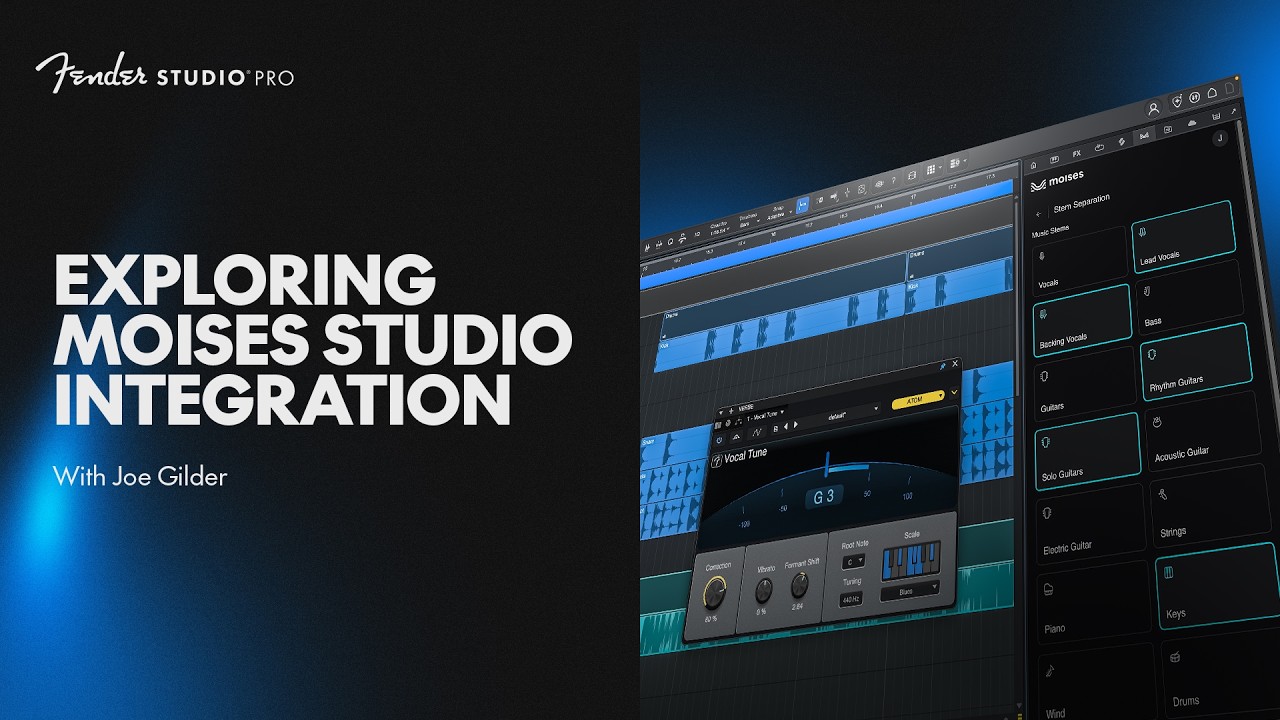
Studio Pro 8.1 now has Moises integration. Apparently there’s a 14 day trial, afterwards one needs to pay for Moises.

Is the stem separation from Moises better than the one from Studio Pro? I tried the one from Studio Pro, but it seems it doesn’t always distinguish the bass drum from the drums, so some of the audio from the bass track ends up in the drum track. Low frequencies…

I haven’t tried Moises yet.

Haven’t used Studio Pro, but I find that Moises generally does the job pretty well for stem separation. I’ve never had a song where the bass drum turns up in the bass guitar.

The only songs I’ve had trouble with are older ones where the mix is messy.

1 Like

I’m not sure where to post this. I’m having a lot of trouble trying to record my bass with Fender Studio Pro 8.1.

I’m using Quantum ES 2 and PC.

I started a project, added a FLAC file, split the stems. Then next I would like to record the bass. But, I can only hear the audio tracks. I tried Quantum’s auto gain, but it seemed the Studio Pro couldn’t hear it. I tried a lot of things, tried asking AI for guidance, and failed. Then at some point I managed to increase the volume for the bass inside Studio Pro. But I still could not hear it. When I finally could hear it, I tried listening to the audio tracks at the same time, and almost blew my eardrums. At this point after more than an hour trying and tweaking and trying, I’m so overwhelmed that I am almost crying, and I feel like an idiot. I don’t understand why this is so difficult, because I’m a technology oriented person, and this things are usually easy.

Now I wonder, do I really need to read the 600 pages manual before doing this??

From the videos I had seen from Fender, I thought this was supposed to be a very simple process. I though I had been careful, I did the headphone output setup to a normal volume, but, when trying to raise the gain for the bass such that Studio Pro would hear it, I probably did something and it raised the volume of the audio tracks to high as hell. I’m still shaken up by the sudden loud noise.

I realize this DAW is so full of settings everywhere, that maybe it isn’t even possible for someone to know what I’m doing wrong, or what I should do.

Unfortunately I don’t have children, otherwise they could be teaching this to me :joy:

I think anyway I’ll give my ears a rest for today. But I don’t know how to proceed with this. Maybe after my nerves have calmed down I’ll search for tutorials on youtube. I still think maybe there is something I’m not doing right, and the videos won’t help with that. I don’t know whether I’m doing something wrong at the DAW or with the Quantum ES 2.

Who here have both this DAW and DAI? @Whying_Dutchman @TheMaartian ?
Yes!

I will gladly help you, but tomorrow, if possible!?

For the impatient: can you try to record your bass with an empty project first, so no stems no nothing.
Create an audio track, activate recording on it and start recording.

If that works, the rest is easy…

1 Like

:grin: :+1:

Thanks! No hurry at all.

First try this:

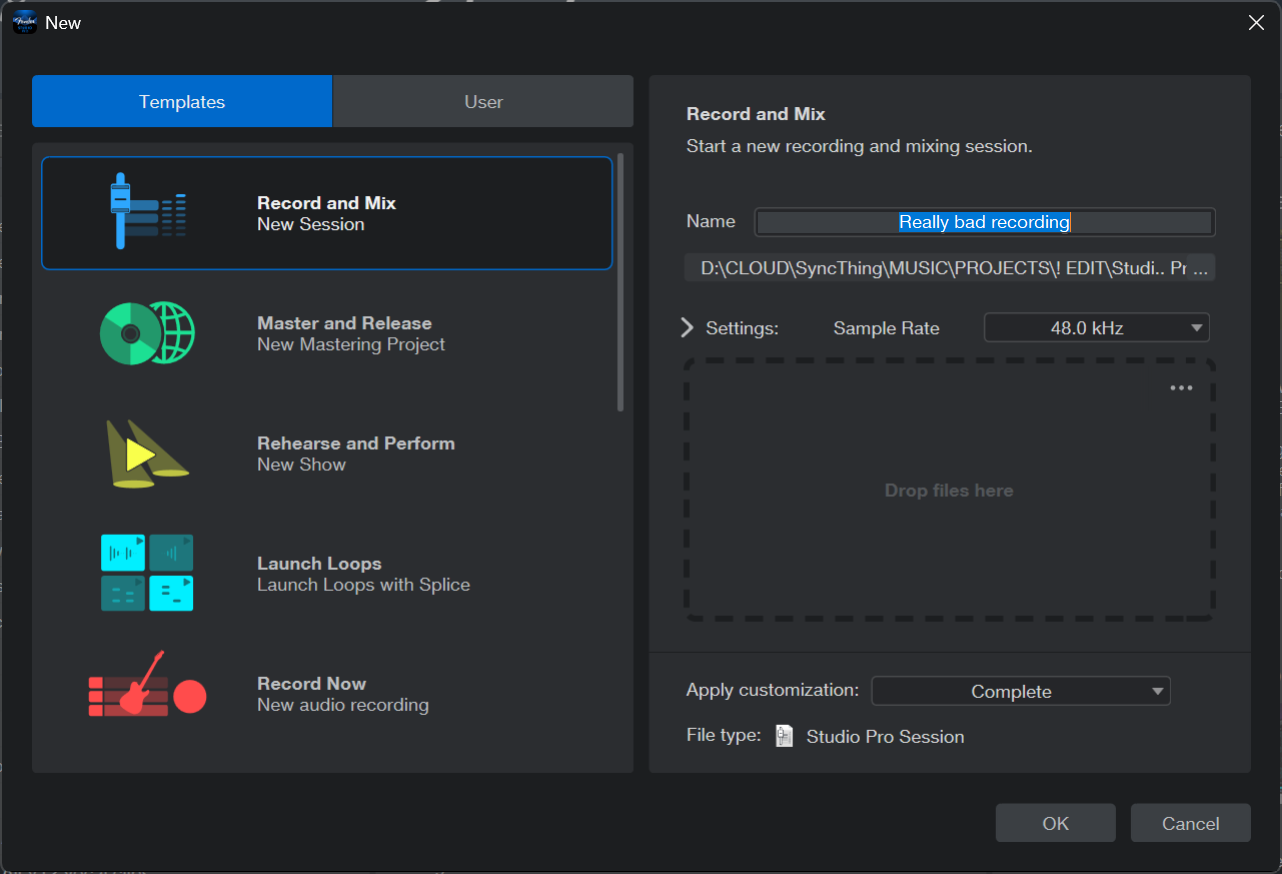
Create a new track with “Record and Mix”

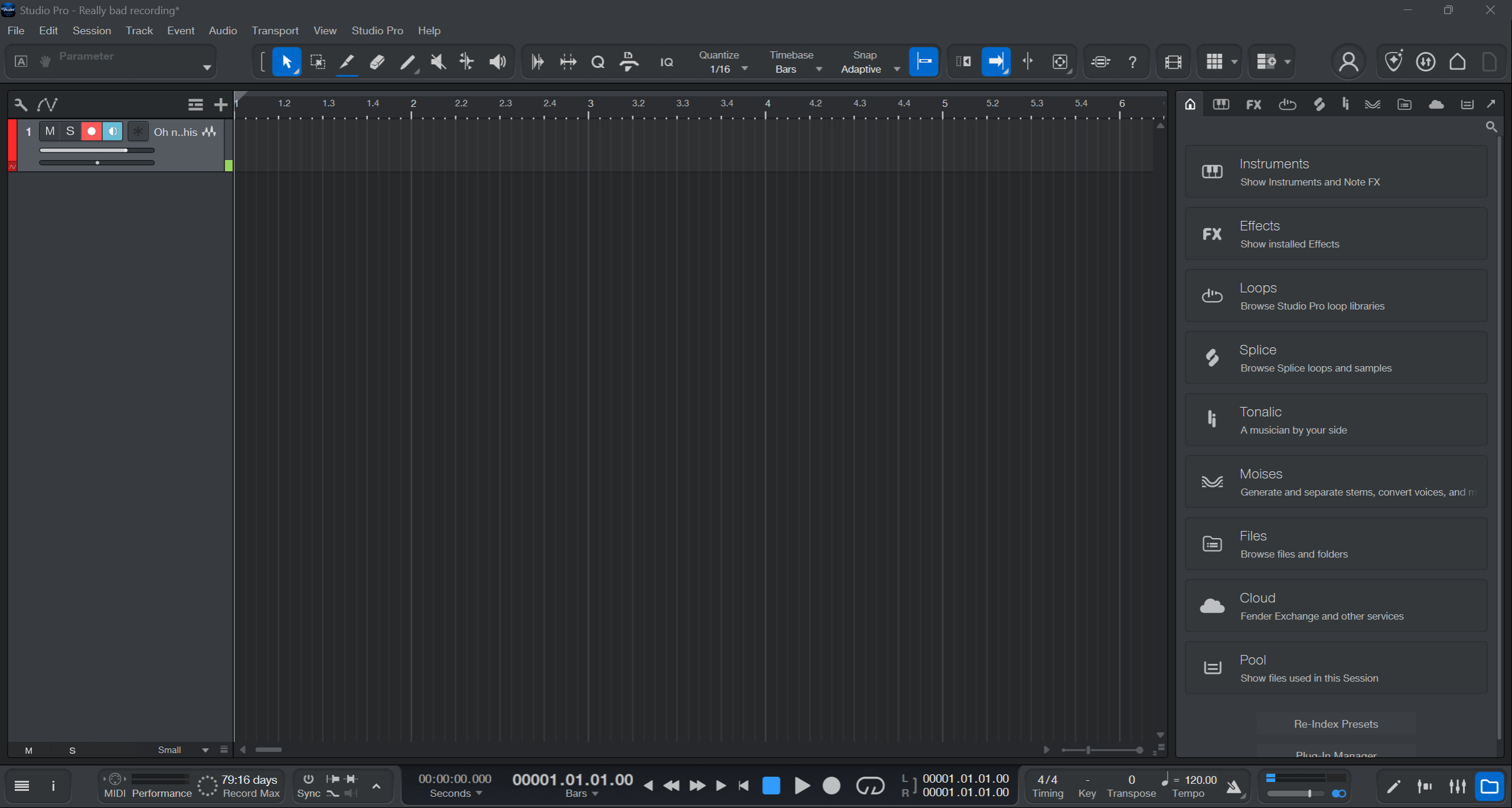
Add an audio (!!!) track and enable recording (top left: red)

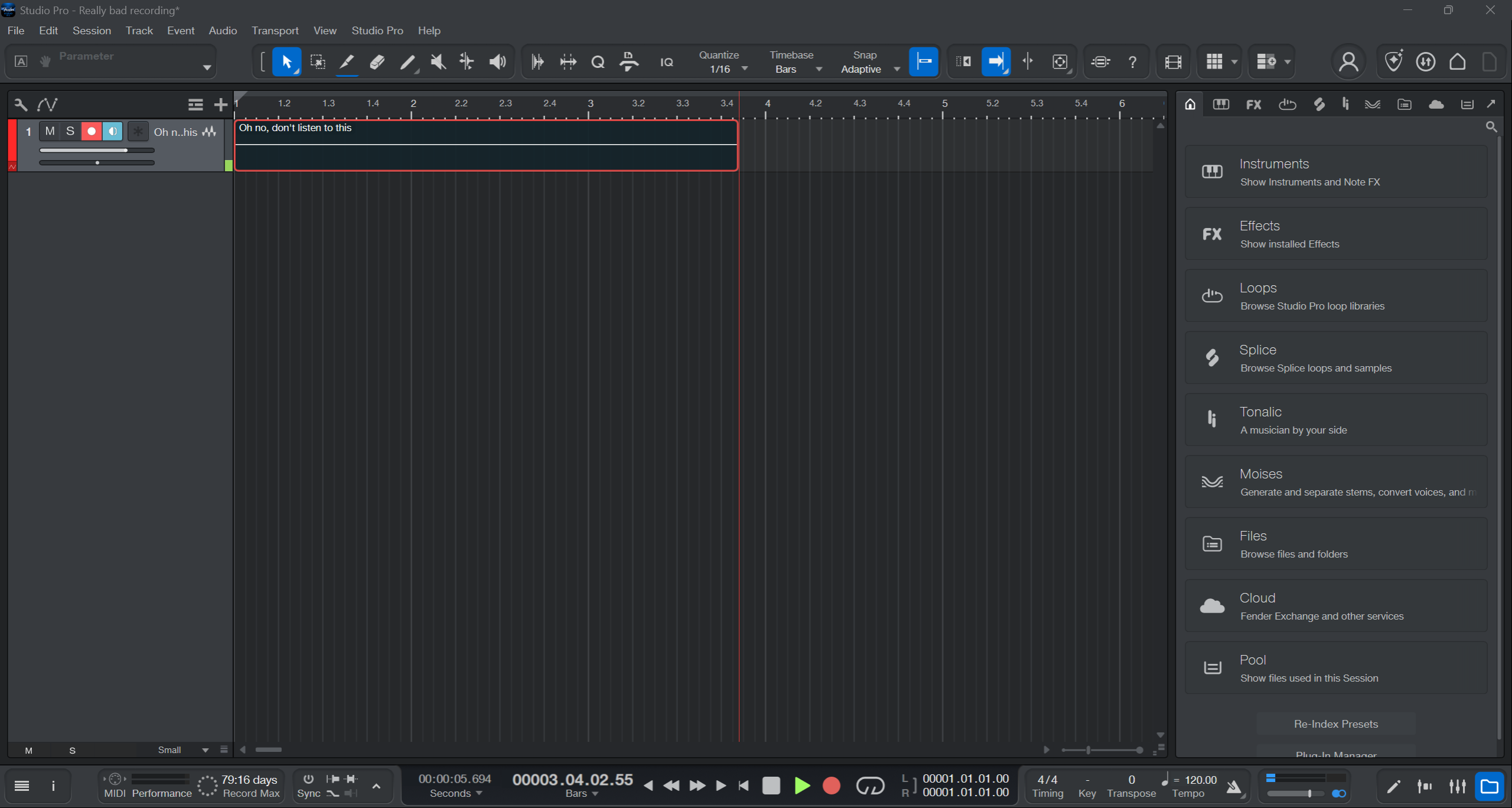
Press record (bottom, red)

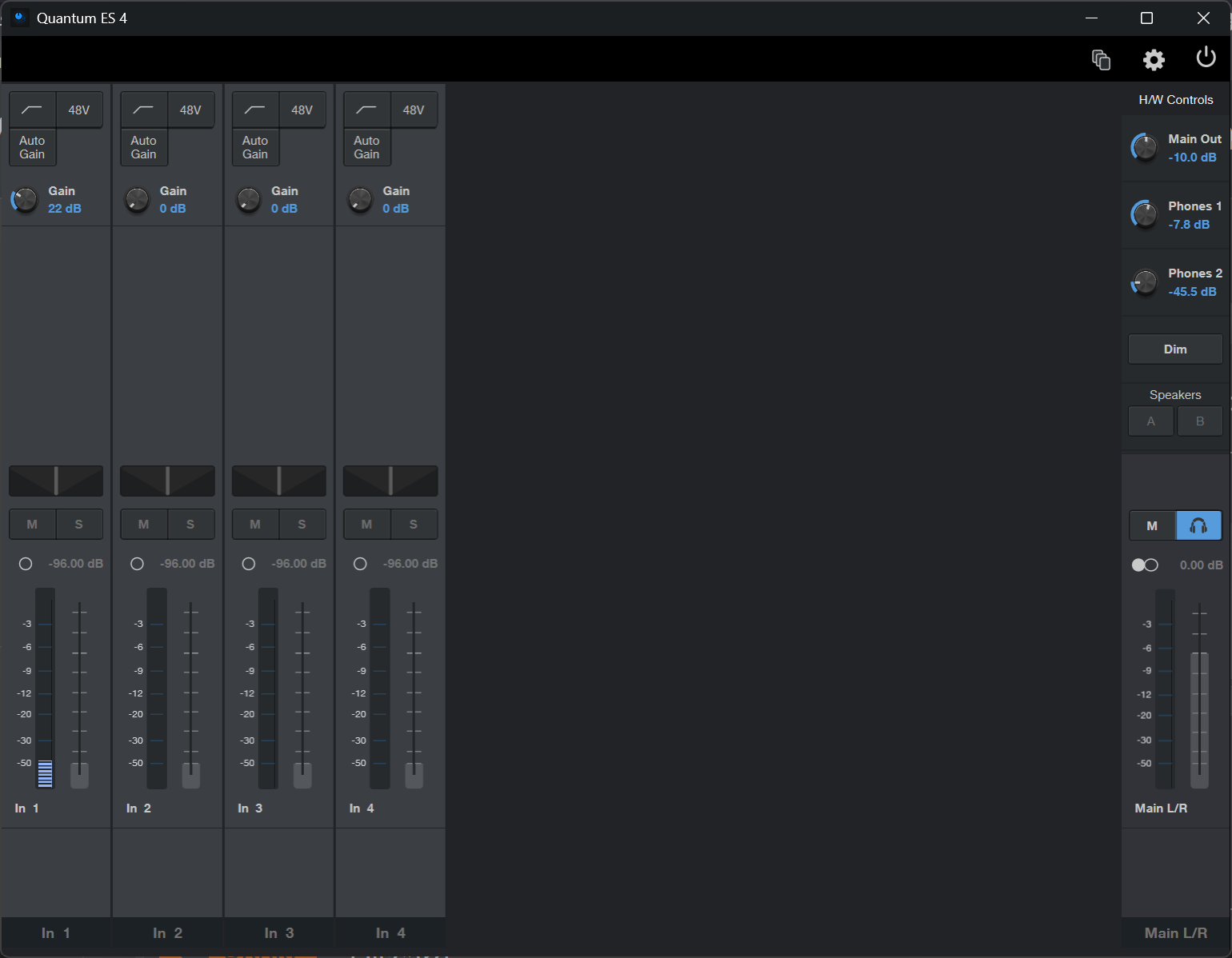
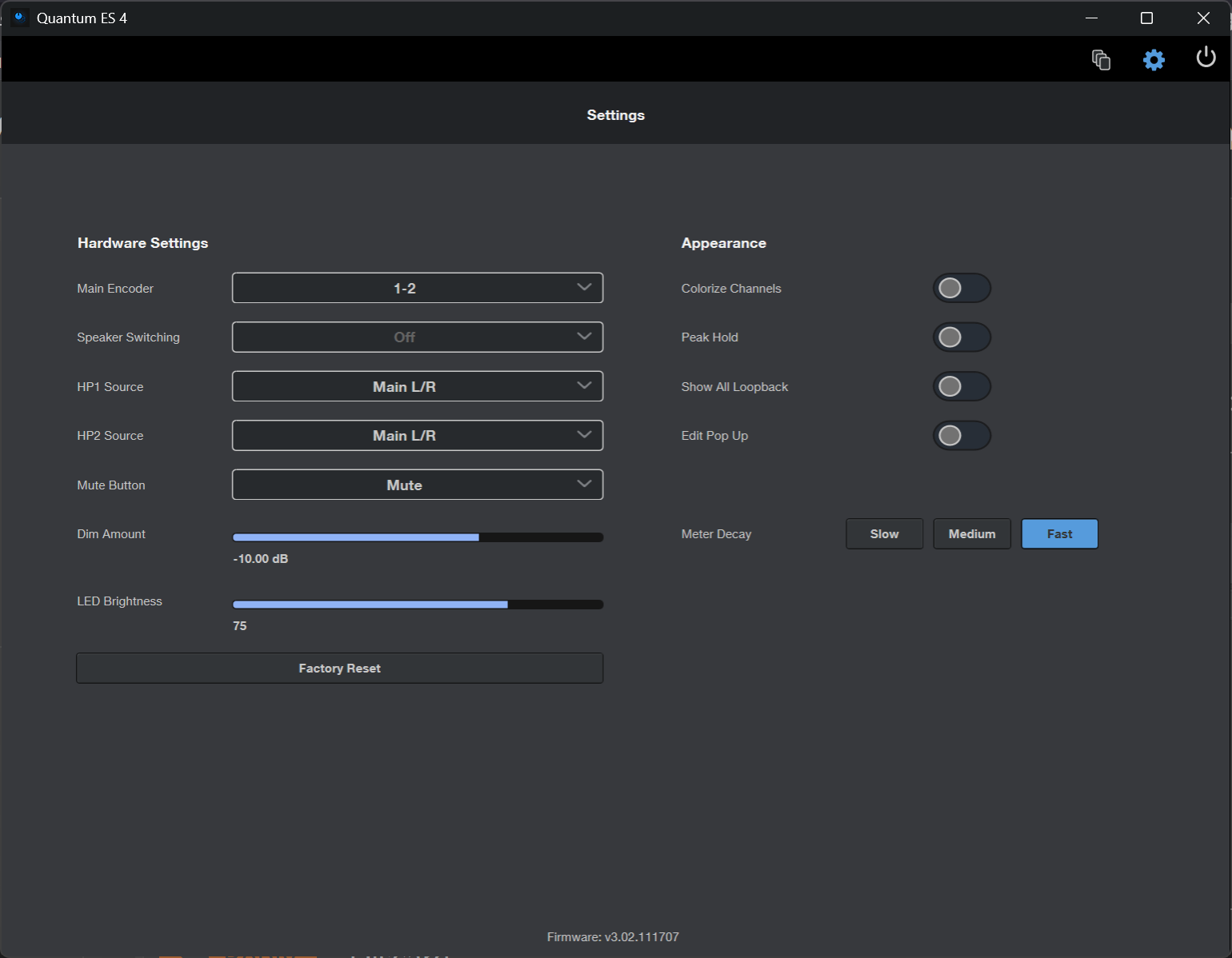
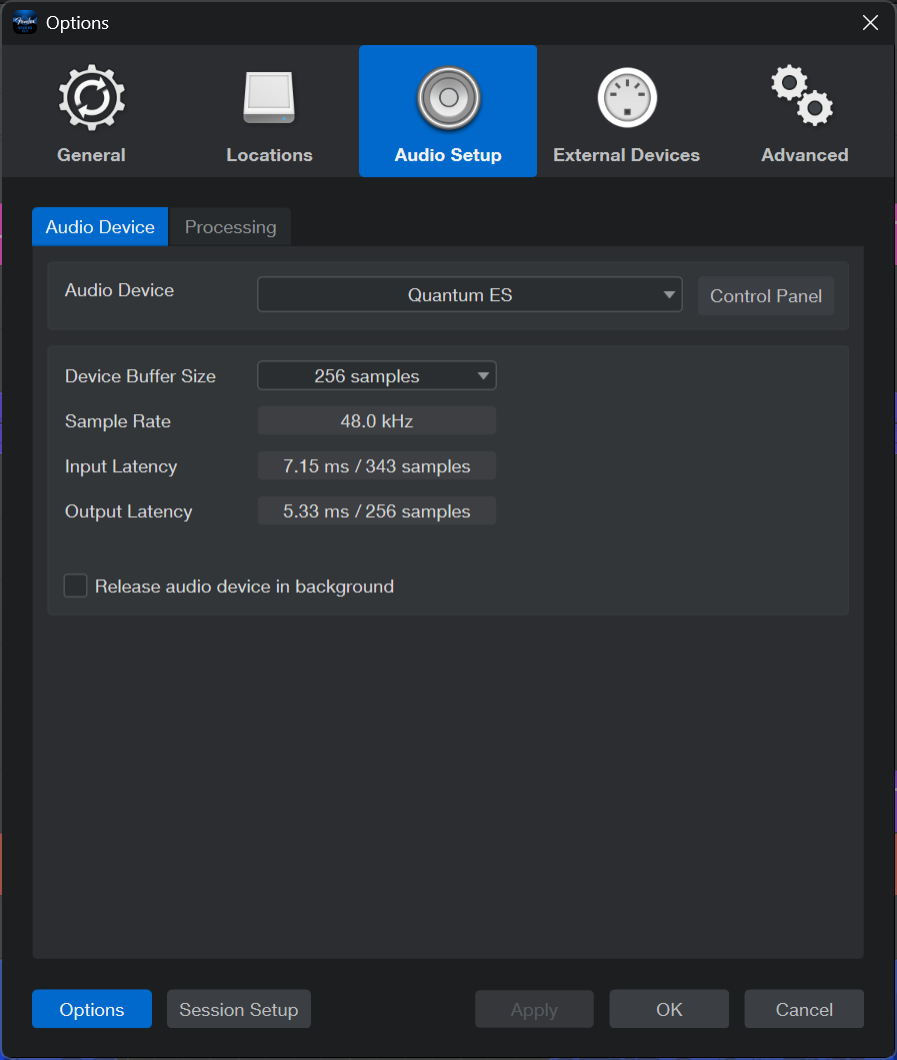
Of course, this only works when you have configured the DAI in the “Universal Control” software correctly, as well as selected the correct ASIO settings in Studio Pro.

Universal control:

Studio Pro:

If that does not work, we need to debug systematically…

1 Like

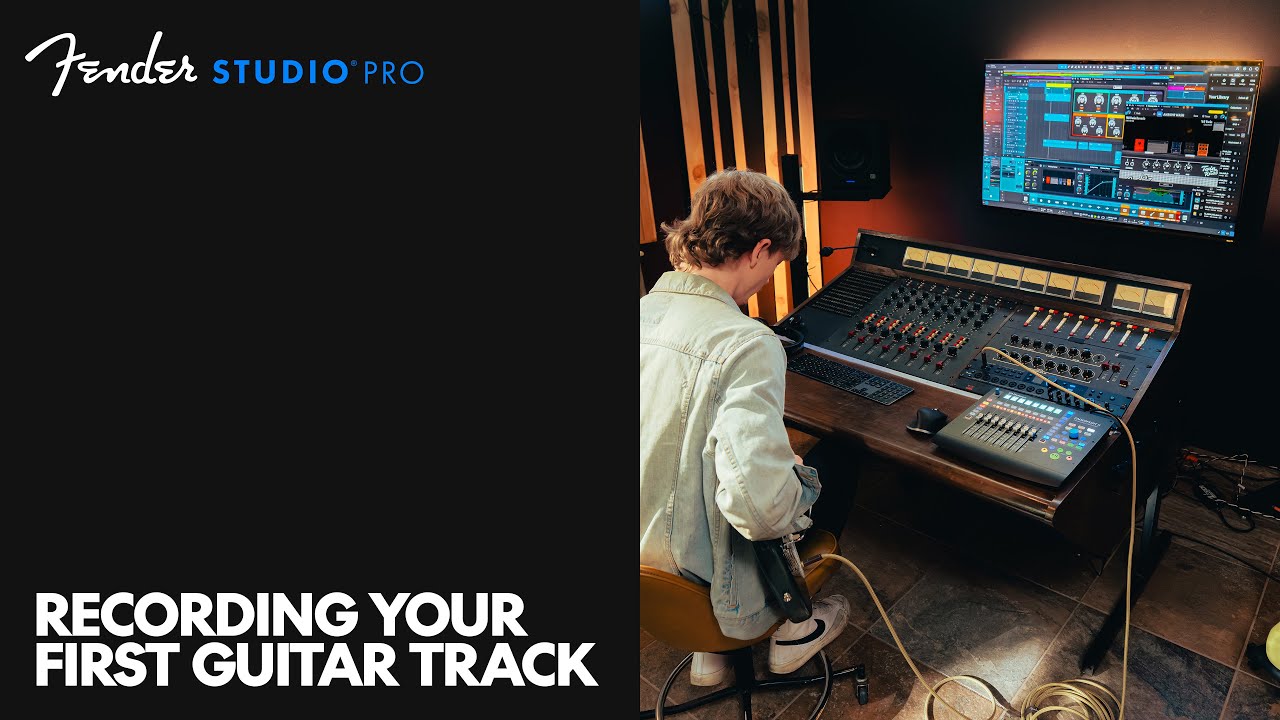
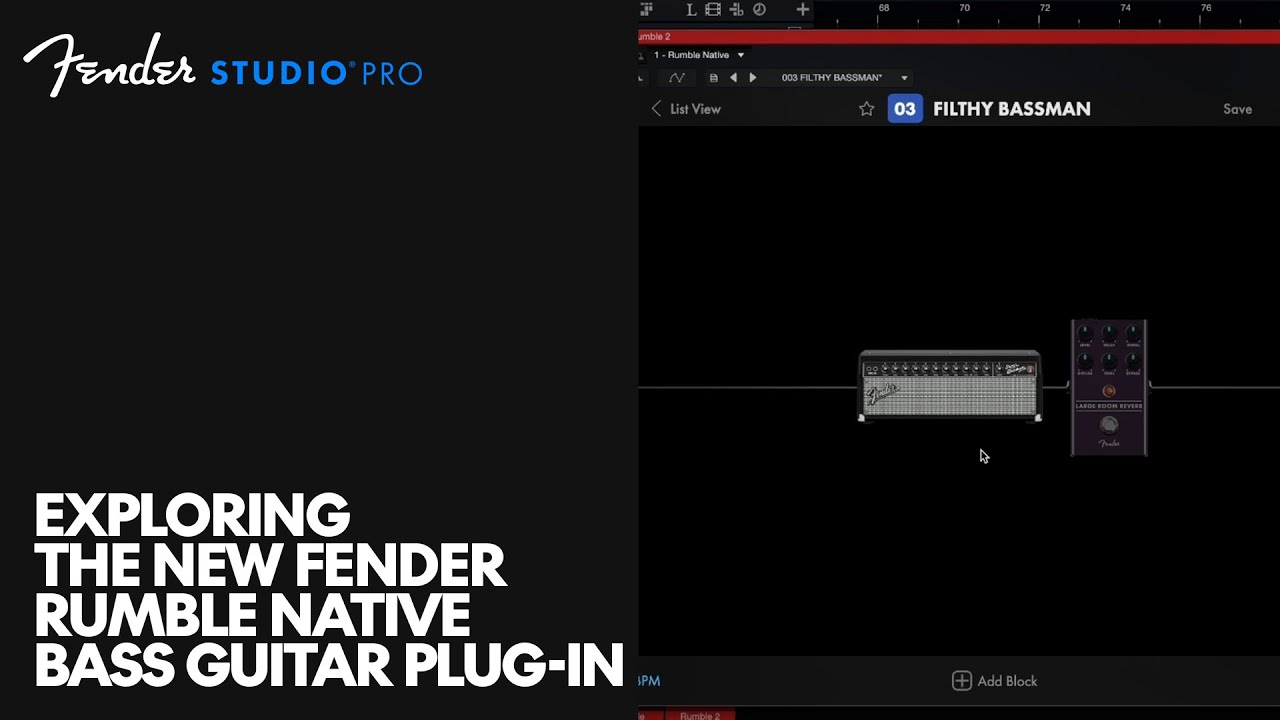
This is for a guitar, but it’s 99% applicable to bass. Where he adds the Mustang amp sim, search for “Rumble” instead. It’s native to Studio Pro.

EDIT: I found this later. You might want to start with this, and ignore the one above.

2 Likes

Thanks! My guess is that I probably did something wrong with the DAI or something is not configured right in the Universal Control. I didn’t get a chance to try yet, but I will go through these screenshots and see how they compare to my settings.

It seemed yesterday that the audio tracks’ volume was a lot higher than the bass. And when I got the bass’ volume higher such that it even registered inside Studio Pro, then at the same time the volume of the audio tracks got very very high.

I will investigate. Thanks! I’ll write later after I have checked everything, some hours from now.

1 Like

Thanks! I watched the first video yesterday (recording your first guitar track) but I haven’t watched the other one. It sounds promising.

Thank you both for the help! Today I will watch the video and go through all my settings, and see if I can figure out where I went wrong yesterday.

And this time I won’t put the headphones on right away. I’ll veeeeery carefully check at what volume it is coming out first. :sweat_smile:

2 Likes

Cool!

If you hear the bass properly, add the background track. Level both in the console (F3), until you like it.
Then - and only then - do the stem separation and level again.

1 Like