Does something like this exist as a (cheap/free) VST?
mxr bass synth pedal
Does something like this exist as a (cheap/free) VST?
mxr bass synth pedal
Good question. I kind of doubt it, unless something like Helix Native has it, and that’s very much not free. Amplitube doesn’t (though it does have envelope filters, ocvavers, wah, etc.)
My guess would be that most people that use VSTs and wanted synthesized sounding bass would just use the right tool for the job, i.e. a synthesizer. They wouldn’t get why a bass player would want their bass to sound like a synth, they would wonder why that person didn’t use a synth. So, while someone may have written one, I kind of doubt it, as this is a desire that only bass players would understand 
Well, one (I think valid) reason could be that they feel comfortable playing a bass, but not playing a keyboard.
Yes, this is the reason bass players would want this, of course; I am just saying it probably isn’t on the radar of most plugin developers.
If you’re doing it in a DAW you could sequence it though. I guess maybe there’s some edge case for live performance, but that seems super niche.
You mean program it step-by-step!?
Yes, that is always an option for non-keyboard players, but probably something most would like to avoid having to do if other options are available…
There is, of course, the option to play on a bass and do an audio-to-midi conversion and then take it from there. However, these conversions often require a lot of adjusting and polishing also.
Of course 
Keyboard players do it more than anyone else
No actually it’s usually a primary option for many things. Syncopated basslines is one example, drums too.
Could I use something like this
https://www.waves.com/plugins/ovox-vocal-resynthesis
(Waves OVox Vocal ReSynthesis)
To create a bass line for this
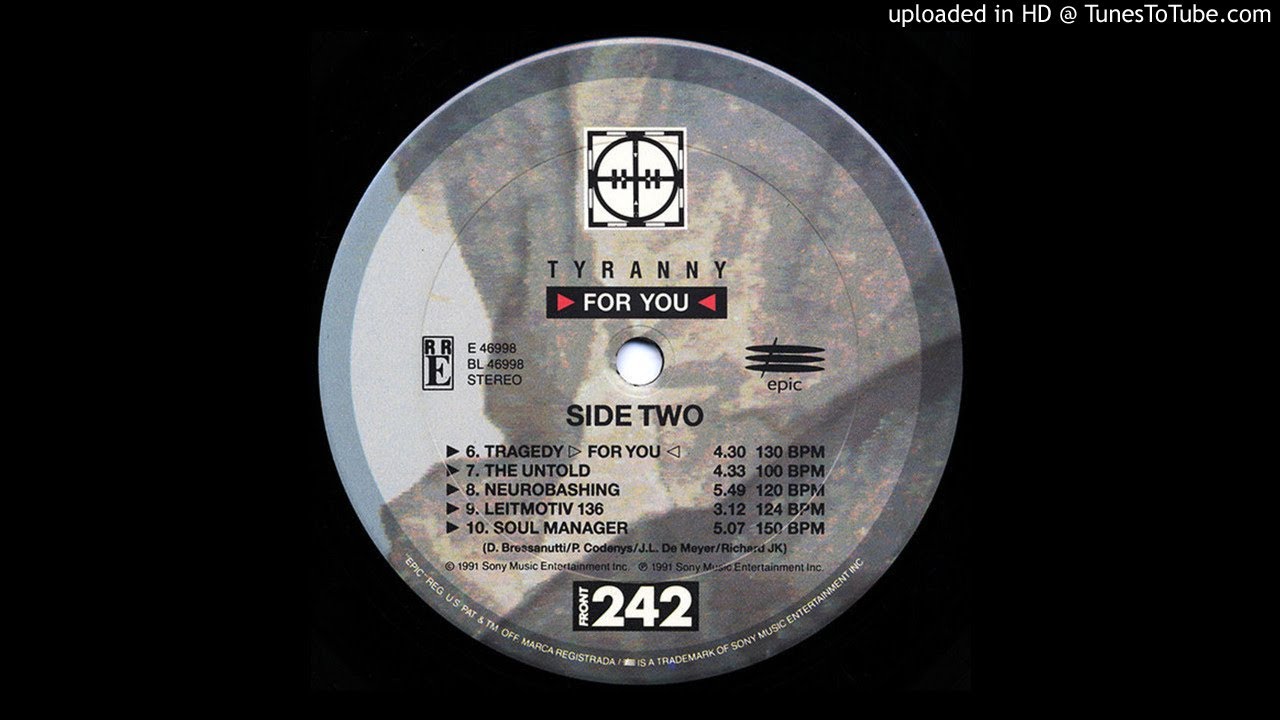
I really would use my bass guitar to create those sounds!
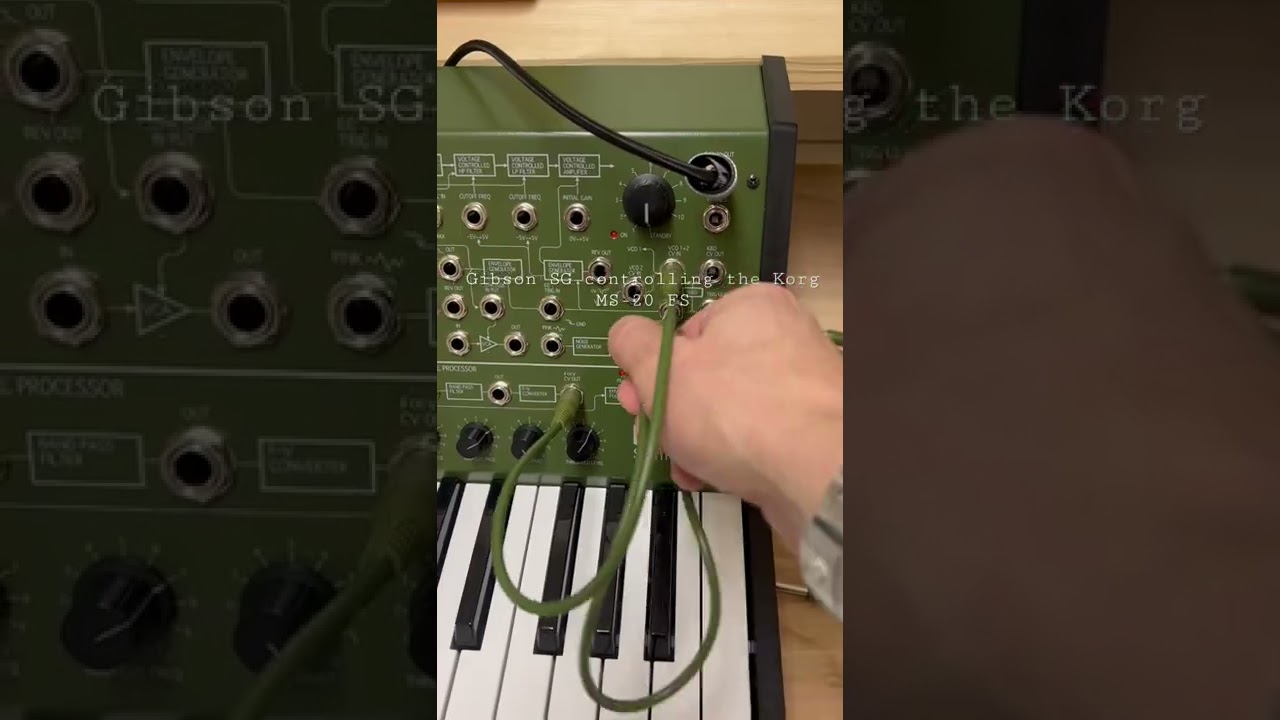
Sure, there’s lots of other things you could do too, like use a MS-20’s external signal processor.
This seems to be jumping through a lot of hoops to avoid just using a synthesizer though
I don’t find highly syncopated electroindustrial basslines very fun to play on a bass guitar, TBH. Much more fun on a synthesizer.
Hahaha, yeah - for you
I really would like to get Moog-like sounds etc out of my bass!
Or this?
Hello gentlemen,
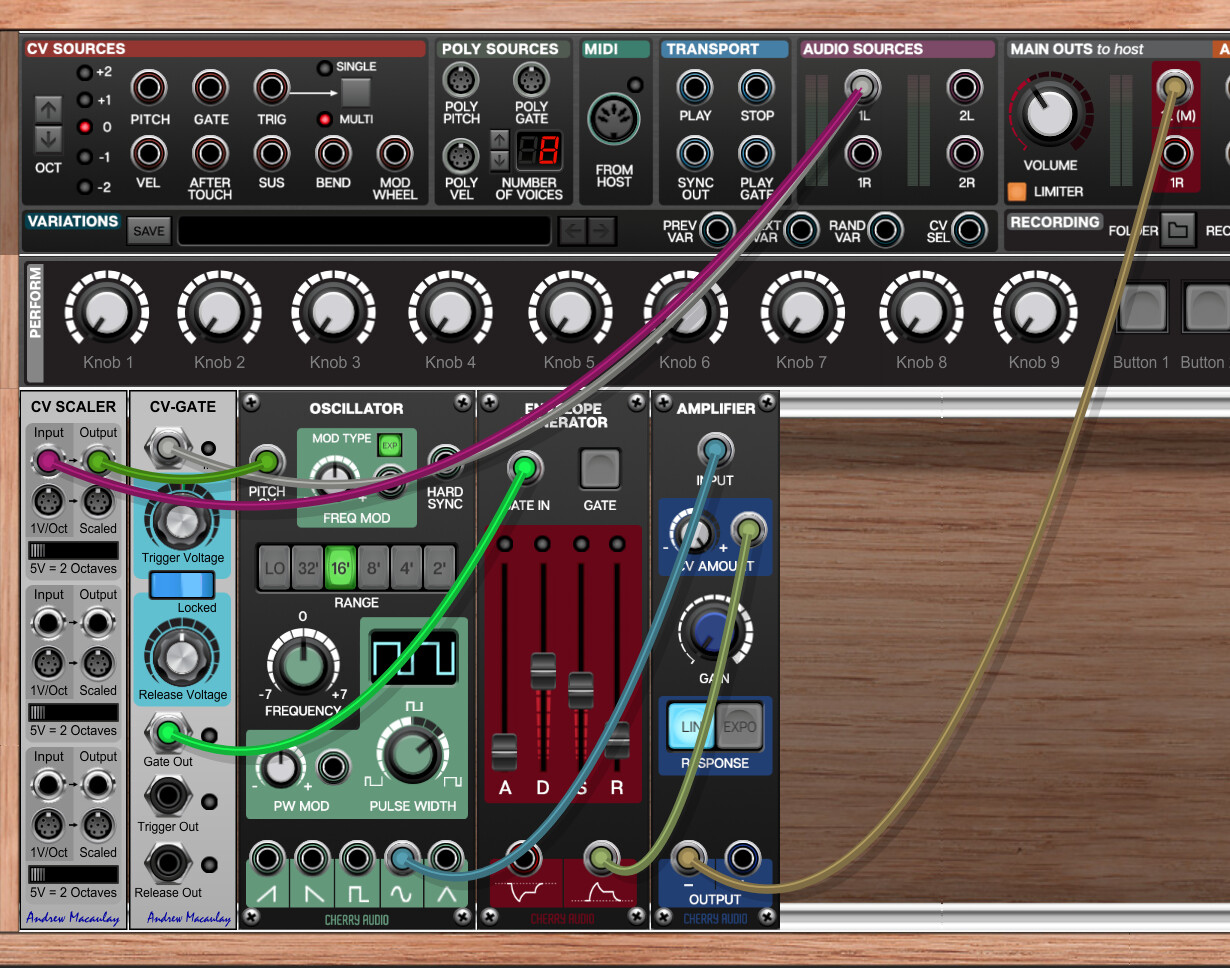
I just wanted to mention that custom synth-bass pedals are easy to create in a modular synth. Down here is just a quick sketch of how the routing works. The virtual modular here (Vintage Modular by Cherry Audio) is just an fx insert on a regular audio input track with bass connected to it. The bass input is routed to a CV 2 Trigger module and a CV pitch module. After that, you can use the signal as a regular MIDI signal. Process it however you like, trigger whatever module, and in the end, you can either send out the created sound on its own or mix it together with the input signal. You have to do a lot of tweaking when it comes to thresholds and exact audio 2 CV calibration, but it’s doable and fully customizable.
Have a good one.
Yes, those are the Voltage Modular modules for it; or you could just grab PS-20 to get the whole synthesizer.
edit: or what @wellbi just suggested using VM, basically the equivalent.
Would this work with the the free Voltage Modular Nucleus & MS Vintage Bundle?
I read somewhere that Voltage Modular Core is needed, so perhaps the free Nucleaus would not be sufficient.
Also: " just a quick sketch of how the routing works" … eh, lol?!?
Even Google translate could not help me understand anything you described
EDIT
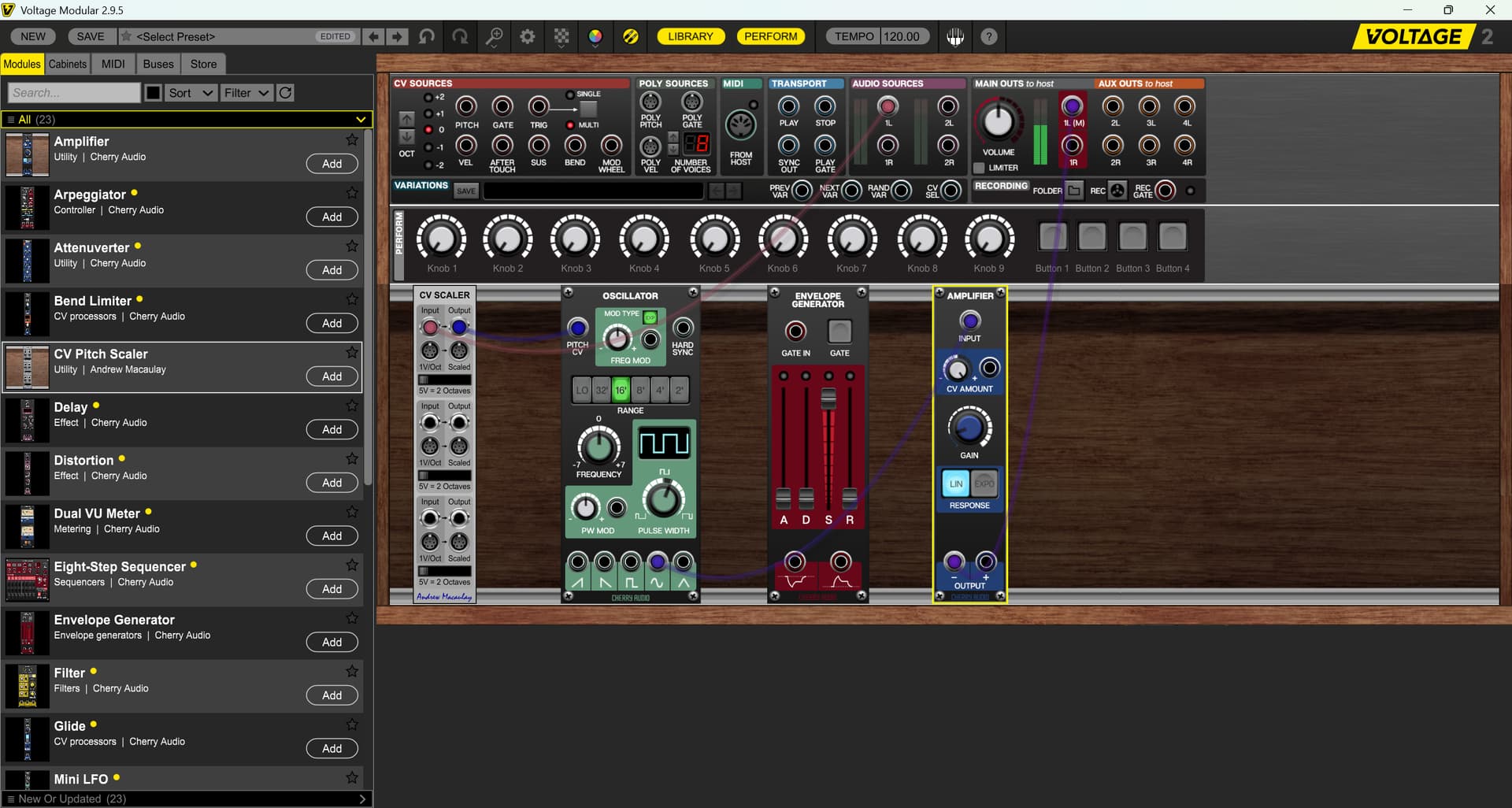
So, I don’t know ANYTHING about ANYTHING … this is what I can do with the free version. There is no “CV Gate” 
Do I need that?
With this I get a nice hum … but no change of tone through my bass. I assume that the Gate is needed for that?
I wouldn’t use Vintage Modular if you are not already in the ecosystem. The main ingredients here are the CV Scaler (which converts the audio signal to Pitch CV signal) and CV-Gate (Which sends a trigger on the basis of the audio signal) are external, paid modules from the internal Voltage Modular store. Nucleus and even the basic paid Core, as far as I can remember, are really limited when it comes to these kinds of utility modules. However, I am quite sure you can create a similar setup with free VCV Rack modules.
“Even Google translate could not help me understand anything you described”
I will try again. I have an audio track in Ableton. My bass is connected to the input of the track. I have inserted an instance of Vintage modular on this track as an effect. I guess, in most virtual modulars, you have an audio source “socket” from which you can pass the input audio to the synth. Then I just take the bass sound from this external audio source socket and connect it to these two greyish modules. First, the CV scaler takes the audio signal and converts its pitch to a CV signal. I can take this signal and use it, in the case of the sketch, to Pitch CV on the oscillator. It will then tell the oscillator what pitch it should produce. The second utility module is CV-Gate. The audio signal is routed into input of the module, while the module has two knobs. One, that sets up the level when the audio signal should be recognized as “On” and the other when the audio signal should be recognized as “Off”. I can take the CV signal that is triggered through this threshold (How it’s set up depends on how hot the audio signal is, what kind of sound it is, etc. One-size-fits-all settings don’t work here. Most of the bass-synth pedals have some kind of algorithm or compressor-like trigger tech inside that handles that. I tried to write some custom math for these purposes, but it’s just easier to twiddle around with the knobs in this, and my, case.) and send it to, for example, envelope generator, which controls the oscillator amplifier. As soon as you get pitch and trigger, it behaves de facto like a MIDI signal, so you can use it and process it in whatever way you want. But unlike MIDI, you also have the original audio signal, so you can also process the original audio and then combine it with the synthesized sound and much more.
Hope this will help a bit more.
In fact, this was very helpful!
I hope it will be enough to get me up and running with VCV.
VCV free does not have a VST option, so hopefully I can work arpund and create an audio track with it somehow.
Thanks!!!
Good luck. I’ve learned about it when I was really GASing for Empress Zoia pedal, but it’s kind of expensive so I figured out that most of the synth-bass pedals have some variation of this inside and with a bit of “engineering” you can create your own pedals with full control without spending hundreds of bucks.
Hahaha, yeah, thanks … I need it. It’s full of knobs!
I was hoping for something simple to recreate the sound of my youth.
No additional hardware (= pedal or keyboard). No complicated stuff.
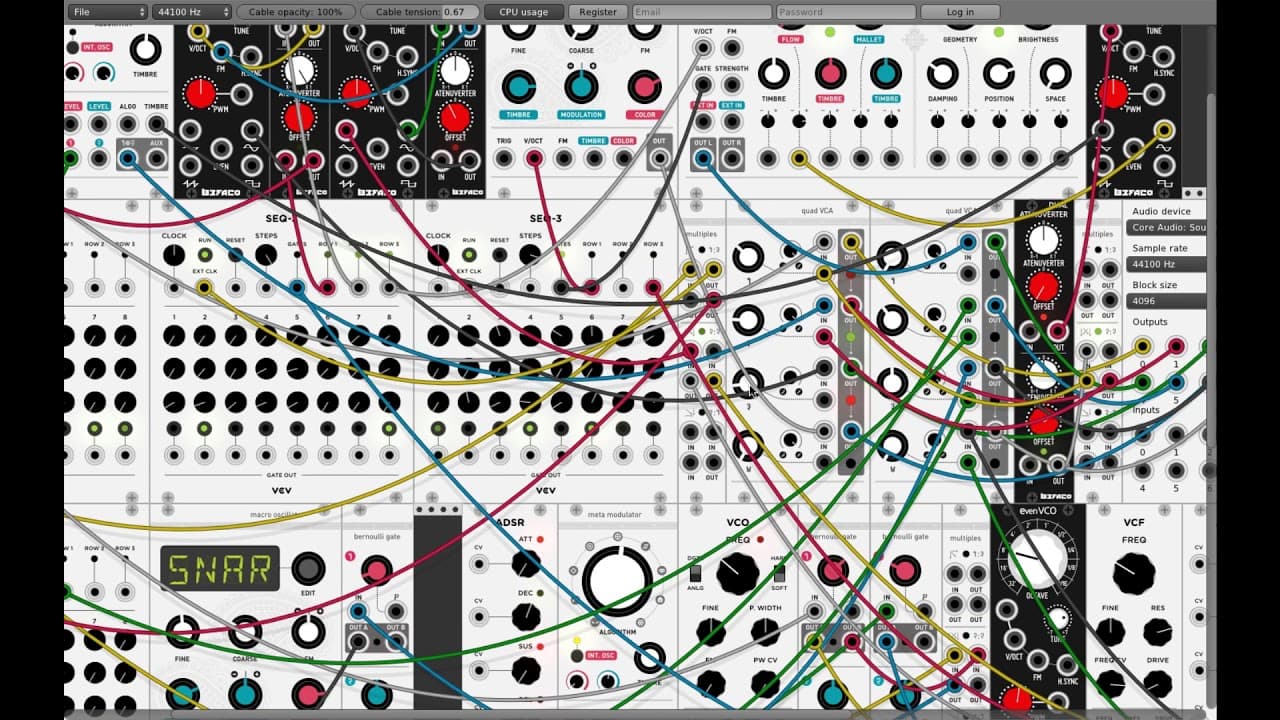
Ok, now I can avoid the additional hardware, but man, that looks complicated…
SNAR!
If you are new to modular systems, even though you don’t plan to do anything else than creating some kind of pedal emulation of the kind above, at the very beginning it’s really helpful to spend 30 minutes, an hour creating a basic synthesizer. You will learn concepts of Control Voltage signals like pitch, gate, trigger, velocity and how the system of oscillator->(envelope generator - amplifier) → mixer works with these CV signals and from that you should have a basic tool-set to create whatever you want.
You could also just get PS-20 and use its external signal processor in exactly the same way, plus then you also have the rest of a complete MS-20, one of the very best analog synths ever made. As both a standalone app and a VSTi.
Basically, this but with a vst: