Do I understand correctly that this is basically a Rube Goldberg setup to input midi pitch and duration to a synth using a bass instead of a more traditional controller?
2 Likes
Yes. So is the method I mentioned.
Original bass track + drums:
bass track controlling a MS-20:
Some work with the synth envelopes and CV Gate would tighten that right up so it’s not a constant drone, but you can hear it tracking the pitch just fine.
Side note: I love the MS-20 so damn much 
BTW the ESP is useful for stuff besides driving the synth - you can just ignore the oscillator triggering and instead use it to route the original bass through the MS-20’s filters and envelopes only, effectively using the synth as a bass envelope filter on steroids. And the MS-20’s filters are legendary.
1 Like
And the icing on the cake is it’s cheap.
1 Like
On a slightly different topic how does midi pitch work? If I look at a piano roll it looks like pitch has a set of discrete parameters for the range of available pitches. If that’s the case does a bass input get rounded to the nearest pitch when intonation is slightly off?
Is the pitch wheel a (technically discrete values 0-127, but with enough resolution to function as continuous) frequency modifier for the discrete pitch value?
2 Likes
Yep!
But do I really need the ESP-20 when I get the PS20?
I just wanna create 80s industrial synth sounds with my bass, nothing else!
1 Like
Correct.
This method is not converting the pitch to midi, it is modeling it as a CV input - a continuous voltage range.
The pitch wheel does not change the MIDI note value, it sends a control change message. Which is also a discrete value that will usually be applied to modulate something, usually the pitch, depending on how the control is mapped.
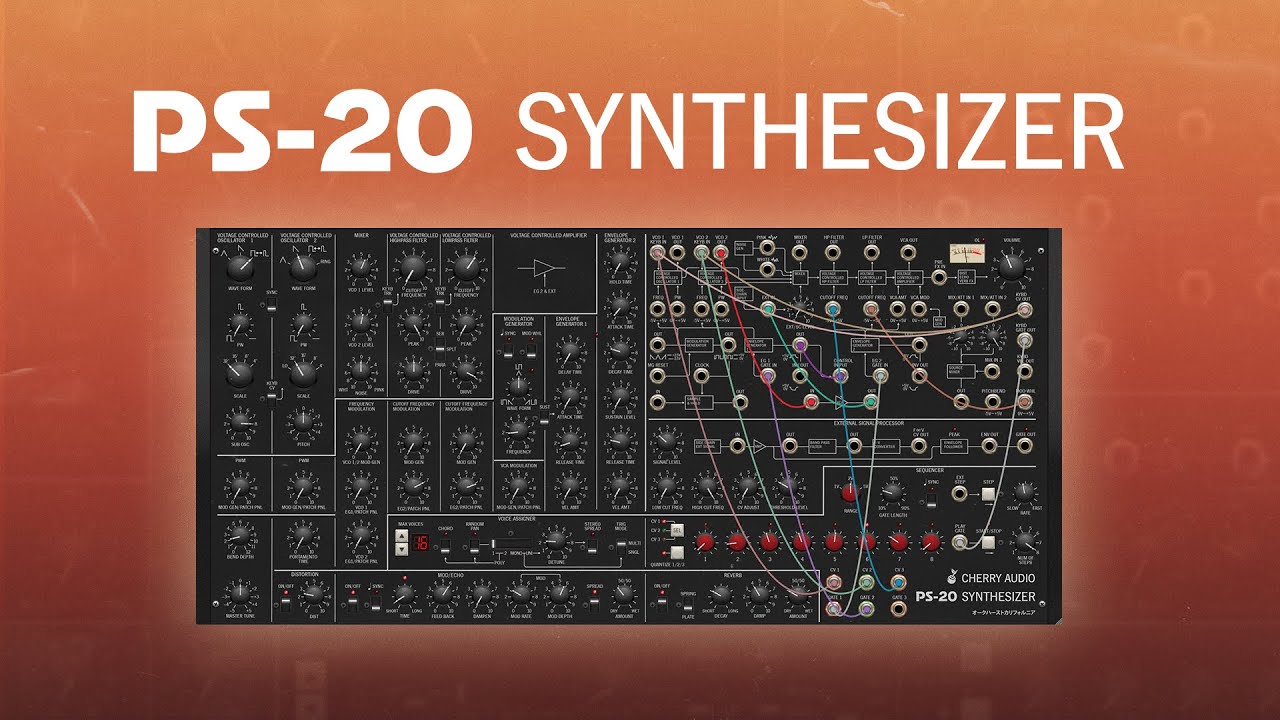
No, the MS-20 (modeled by the PS-20) contains an ESP.
The MS-20 was super popular for industrial bands; Front 242, Ministry, DAF, KMFDM, Killing Joke, etc etc all had them.
1 Like
Also, @wellbi’s method is doing exactly the same thing! Except his is ready for use as input to whatever fully modular synth you make yourself so it would be more flexible at the cost of needing to put together the synth too. Which with modular is most of the fun anyway.
I like the MS-20 so the ESP is perfect for this for me. If you’re already in to Modular his method is the way to go instead.
Ok, downloaded the trial … wtf? Knobs, knobs, knobs! I feel like being in the darkroom of a BDSM party 
I can play tones (“fat saw”, yay!) with the software keyboard, but haven’t found out how to rerout the signal so it will accept my bass as input…
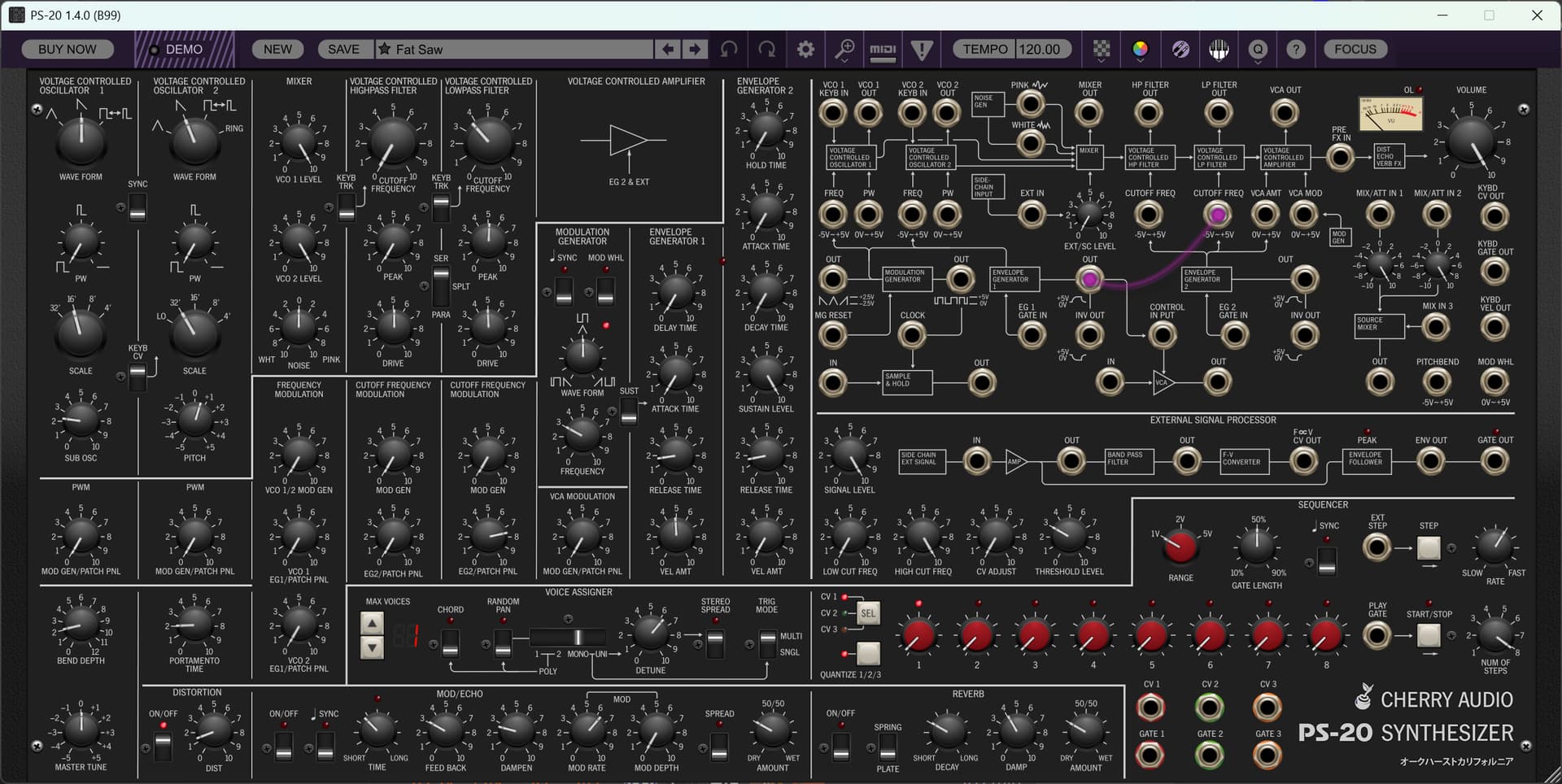
You can either do it via a sidechain input to a PS-20 instance you add as a virtual instrument, or you can add the PS-20 as an audio effect on a bass track. Then you need to use the patch panel to do something with the External Signal. For a start, try patching the F->V CV Out to an oscillator Keyboard In, and the Gate Out (or Env Out) to the VCA AMT In.
That’s basically what I did there, starting with a new patch.
After that, you’re just gonna need to learn how to program this synth if you want to craft the actual synth sound being played
2 Likes
Here’s a forum thread:
1 Like
Ah, cool!
First nothing happened, but obviously it needs a higher input gain to work.
Now it responds tio my playing, but the sound is VERY different from the virtual keyboard sound though.
Maybe I need to pitch the bass up?
Will try different presets…
Oh, right, this is analog synth (modeling).
1 Like
It’s gonna require a lot of tweaking of the various gate or envelope levels to get right, and working it in to the existing patches will be some fun. You’ll also need to tune it with the CV Offset.
This is just sort of the typical vintage analog hassles though
1 Like
From the Cherry Audio forum:
Hey all, Mitch from Cherry Audio. There are a number of ways to get external audio through PS-20’s highpass and lowpass filters, but this way will do it with a single patch cable.
For this setup, use the “FX” version of PS-20 in the insert of the audio track you want to process (you can alternatively use the instrument version and set the sidechain input to the appropriate audio track to be processed, but inserting a PS-20 FX version is a little easier).

The Sidechain Input box on the panel indicates that external audio is coming into PS-20 there; the Ext/SC Level knob adjusts the incoming signal level. From there, it goes to the oscillator mixer… which comes before the highpass and lowpass filters. Since we’re plugging into the oscillator mixer, make sure to turn down VCO 1 and VCO 2 Level knobs in the Mixer section, or else you’ll hear the oscillators along with the external signal (which may be desirable).
The other important thing is that we’re pre-VCA, and the VCA is normally closed, which means we need to open the VCA, or you won’t hear anything. The easiest way to do that is to patch the Ext Signal Processor Gate Out jack to VCA Amt input jack (makes sure to turn up the Ext Signal Processor Signal Level knob). What’s happening here is that the external signal is always routed to the ESP, so the Gate Out jack outputs a constant 5V gate signal. Patching this is to the VCA Amt input keeps the VCA open and allows signal from the oscillator mixer to pass to the mast outs.
You can play with the routing switch in the filters section, but I’d start with Serial as this runs the signal to the highpass, then the lowpass. Also, you don’t have to use the Ext Sig Processor Gate Out jack to keep the VCA open - any output jack can be used. For example, the VCO 1 or VCO 2 Out jacks at the top will create audio-rate amplitude modulation and will awesomely mangle things (play with the oscillator waveforms and pitch knobs).
2 Likes
GForce, home of the Many Oberheims, has made a really cute looking basic FM synth. It’s super visual and you program it at a high level and so maybe can avoid a lot of the FM nightmares, though with sacrificing some finer control over the operators.
Looks neat.
1 Like
@wellbi - what do you think, Voltage or VCV? I’m a little cheezed that you have to pay so much for Pro to use VCV as a DAW plugin. Then again, it’s got a lot more modules.
Cherry makes good stuff but Voltage just has a smaller community and fewer modules.
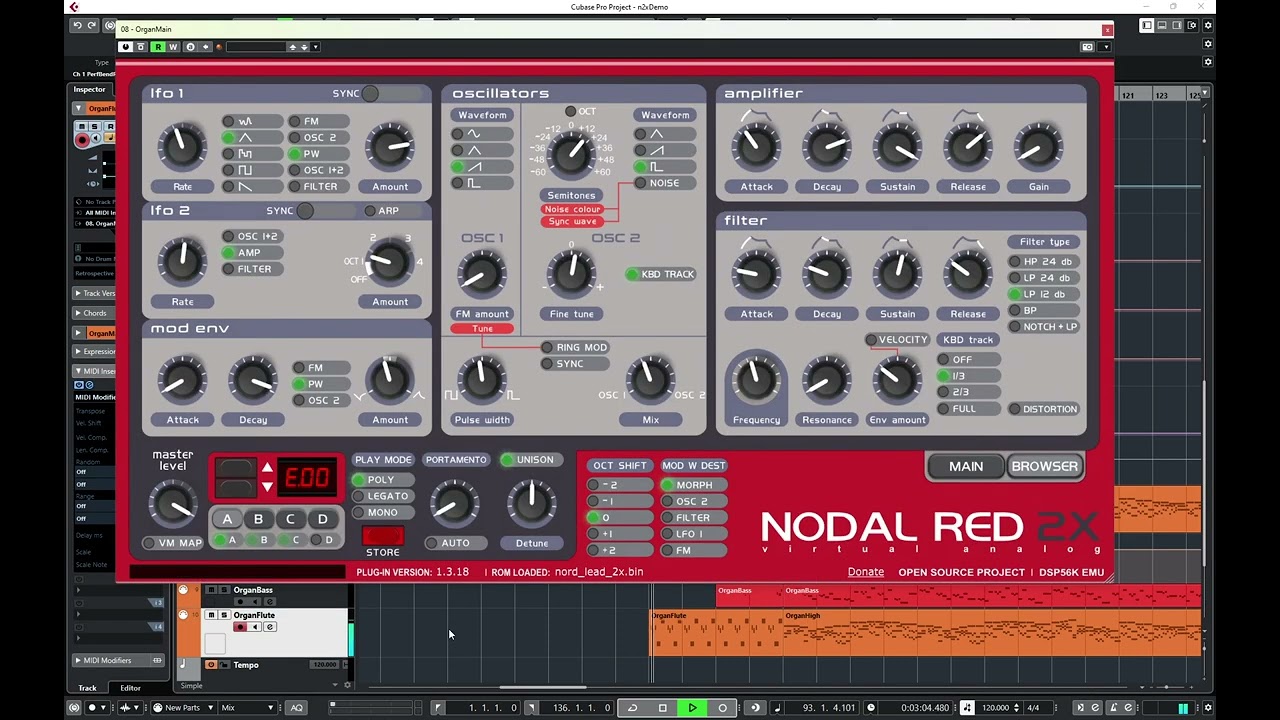
@Billn these guys made a Nord Lead emulator plugin and it sounds pretty damn good to me.
1 Like
Excellent, now I’ll sound just like Hiromi as soon as I figure out how to buy that plug-in!
1 Like