I am curious as to what the least expensive method for recording the challenges would be? Are you using smartphones, gopro, or something more elaborate? Not sure what to use at the moment but it will probably be some kind of mount for a cam on the headstock or a tripod. Any suggestions would be appreciated.
If these questions are already in another forum, @JoshFossgreen please move it. Thanks.
1 Like
I just prop an iPhone up and video using that.
Admittedly, I have two iPhones (work and personal), so I record the audio, through an interface into GarageBand on one, the video on the other. I then sync in iMovie.
2 Likes
Excellent.
I have laptops somewhere and the inspire(?) Setup along with studio one but could never get things right.
1 Like
One tip I learned long ago to help resync the audio and video was to strike an object like a cowbell or a triangle on camera before starting and then align that audio transient with the video and then delete that opening clip.
PreSonus Studio One (now Fender Studio Pro v8) works well with video. If you have Studio One (SO), you probably have an audio interface with (hopefully) at least one input that’s compatible with an Instrument-level signal (your bass). Plug your bass into that and record it in SO while recording the video on your smartphone. Bring the video into SO with its crappy audio. Replace that audio with the bass track you record via your audio interface, syncing as mentioned above. Export the video with the high quality audio. You can then edit the video with a video editor like iMovie on a Mac or Movavi on Windows (that’s what I have; there are many choices, some better than others). You can also just export the bass audio track from SO and sync it in your video editor the way @sunDOG does it.
3 Likes
You can just clap your hands, or actually more commonly give a double clap.
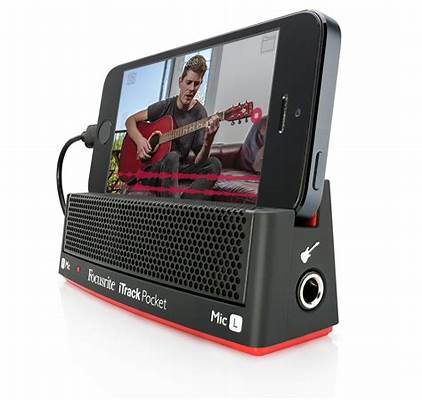
These pop up occasionally on Amazon and Ebay…bought mine for $20.
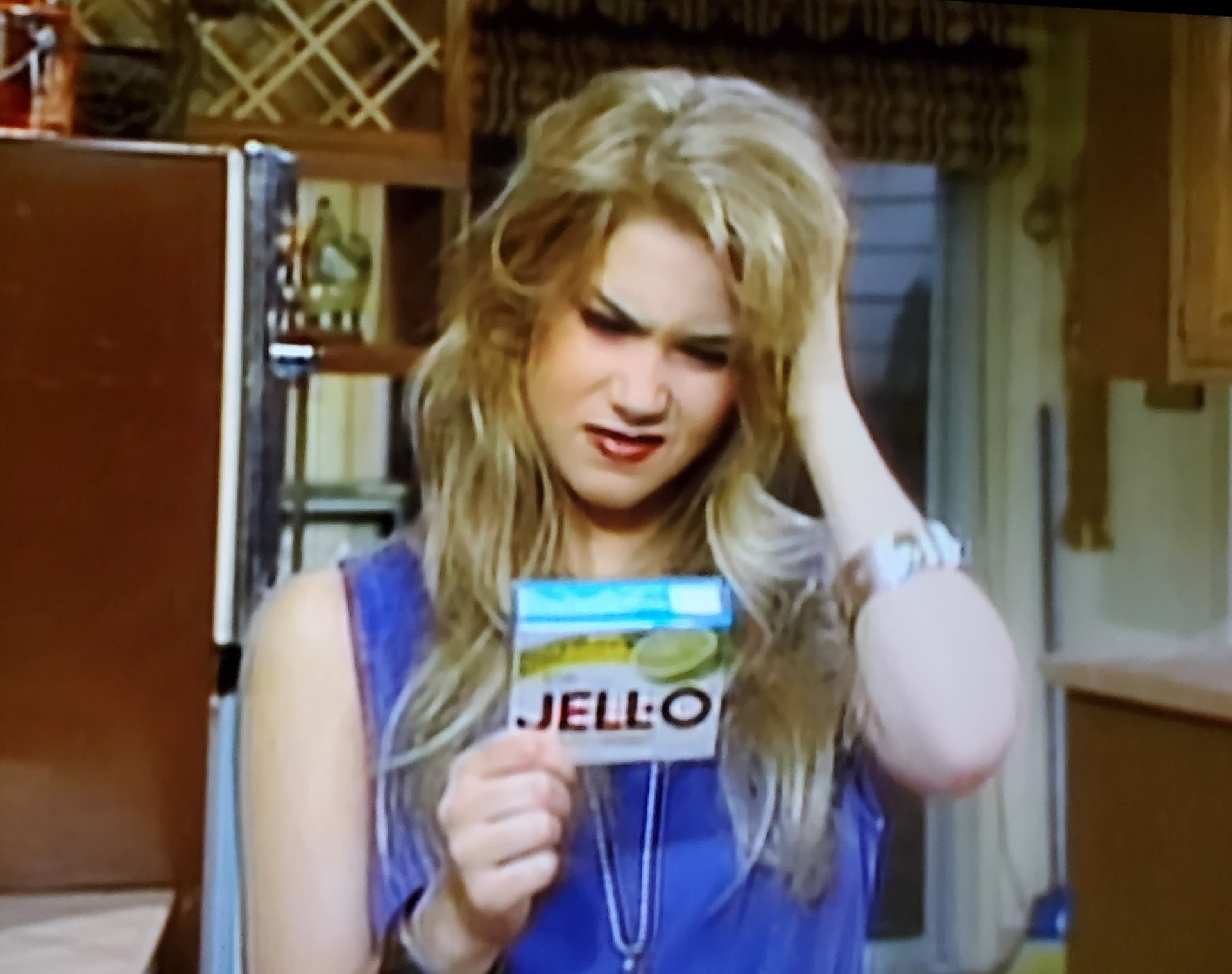
So simple, even Kelly Bundy would have no problem making a video.
2 Likes
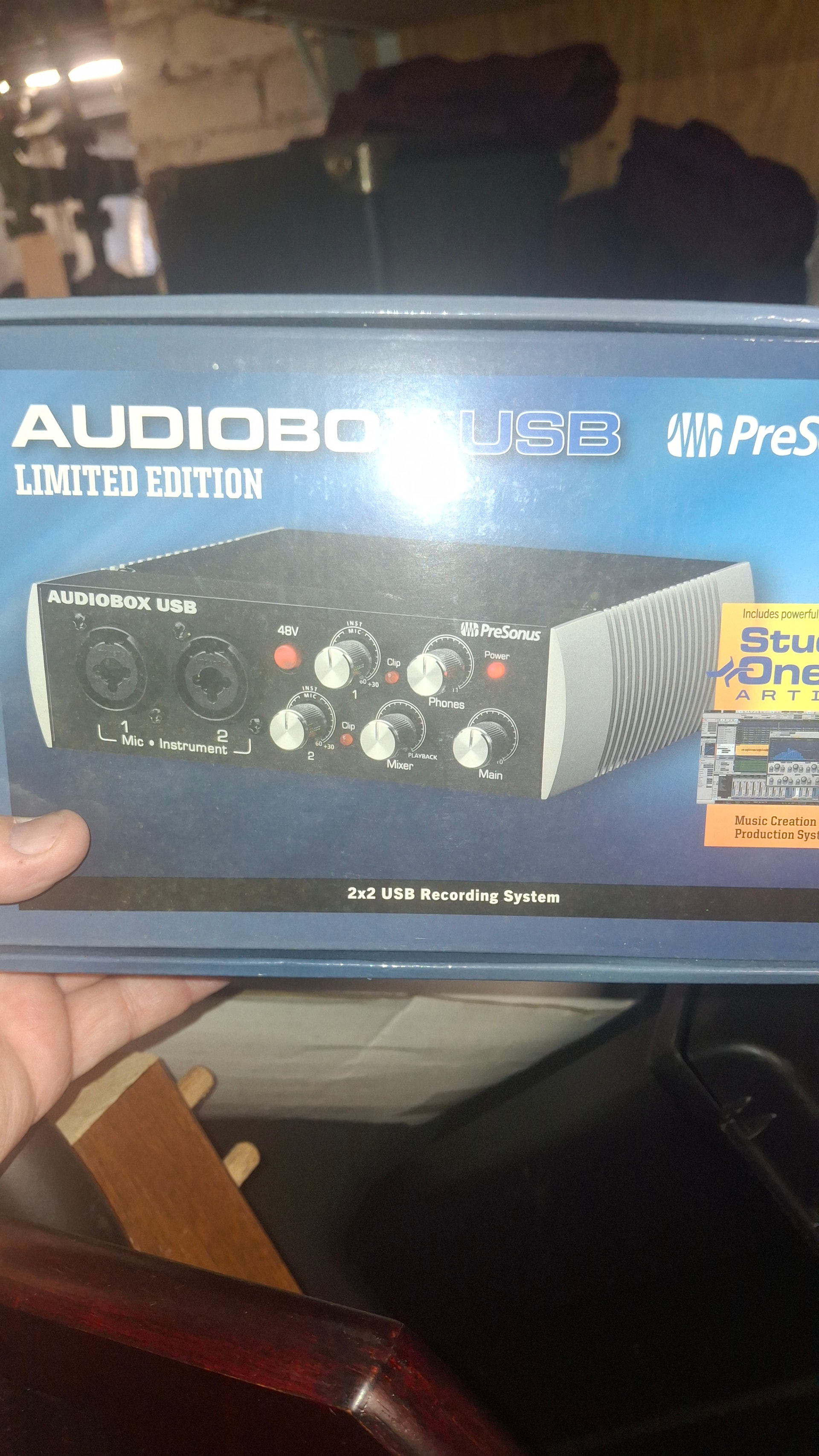
I have the PreSonus. Not sure how long before Fender bought them out. The first unit purchased (PreSonus Inspire 1394) had no support when I tried to use it after sitting for years. It was the same physical size as this newer one. The Inspire 1394 was donated to my cousin’s kid. The kid probably never used it being too busg building amps and doing tech for a rouring band. Seems he can fix anything and everyone with a gear problem lands in his lap.
After trying to put tracks down with the Audkobox it was a no-win situation. No matter how the drum machine levels were set it was super distorted on playback. And the add-ons got to be more than I had bargained for. Being a rock and spear old guy surely doesj not help. At some point it will get figured out. Hopefully before frustration sets in again.
I’m new to recording, but here’s what I’ve been doing so far. For video, I just use my phone. For the audio, I go from the XLR out on my amp to an old Focusrite Scarlett on my PC and record in Cakewalk Sonar. I use Cakewalk to add the backing track and export the audio, then use DaVinci Resolve to trim the video and replace the audio.
1 Like
No Sync method from cheap-ish to not so cheap-ish, 
hey there, I also go a route that can be very cheep if you have a computer, I just use webcam and OBS (free recording software, open source), and off course my audio interface, I just have a cheep chineesium one from aliexpress, works great
and because OBS can only record one audio track, I record my bass track on audacity and sync it in post in resolve, all the software is free
this method may have a bit of a steep learning curve to start out, but there are plenty of resources on the web to help ya get it all going
edit: figured out how to record 2 channels in OBS so wont need audacity anymore YaY 
1 Like
I have a Lenovo Think Pad with Studio One etc. and it has been off so long it will need to be brought up to date. My suspicion is there will be money involved. Lol. Always is.
Just for a reference, this is an excellent resource
3 Likes