Creating a Bass Cover on a Budget

Continuing the discussion from Cover Collabs with Al1885:

I did it. got thru the process and created a bass cover. As I went through the process I kept a log. Soon to come - My publishable cover.

I hope this document helps any that are new to the process and on a budget.

A Bass Cover Recording Log.pdf (245.8 KB)

3 Likes

Looks good! For what it’s worth, since you’re already using Reaper, you can accomplish the stem separation inside of it using STEMwerk which should be a similar process to the OpenVINO approach and will save you some steps.

1 Like

Thanks, I’ll look into it. Overall it was a very rigorous process. It may be worth it if it reduces the number of files I need to deal with.

From your guide sheet:

2. Downloaded and installed Openvino V2026.4
3. Discovered Openvino is not compatible with Audacity
4. Estimated compatible update release – end of 2026.
5. Uninstalled Audacity 4 – downloaded and installed Audacity V3.79
6. Stem separation Audacity plugin - Openvino V2026.4 installed and was recognized by Audacity v3.79

I recommend reinstalling Audacity 4 so you can use it for processing and creating the BASSONLY and NOBASS .mp4 files from the STEM tracks you created in Audacity3 with OpenVIno. Just open the .aup3 with Audacity 4 and it will convert and create the same tracks in the new .aup4 format, without damaging or deleting the aup3 file.
From that point you have the much nicer Audacity 4 interface to work with. In Audacity 4 first set the bass track to SOLO, then export your Bass ONlY track as an mp4. Next, MUTE the bass track and the original full track (top one in the set), leaving Drums, Vocal, and Instruments tracks all ready, exporting them to a single mp4 NOBASS audio track.

Loading these two new mp4 tracks into your DAW (reaper, GarageBand, etc.) you can listen to the full song with all parts. mute BASSONLY track to have your backup track, or mute the NOBASS track to listen just to the bass you are lerning.

1 Like

This might help. Slap bass - #80 by Al1885

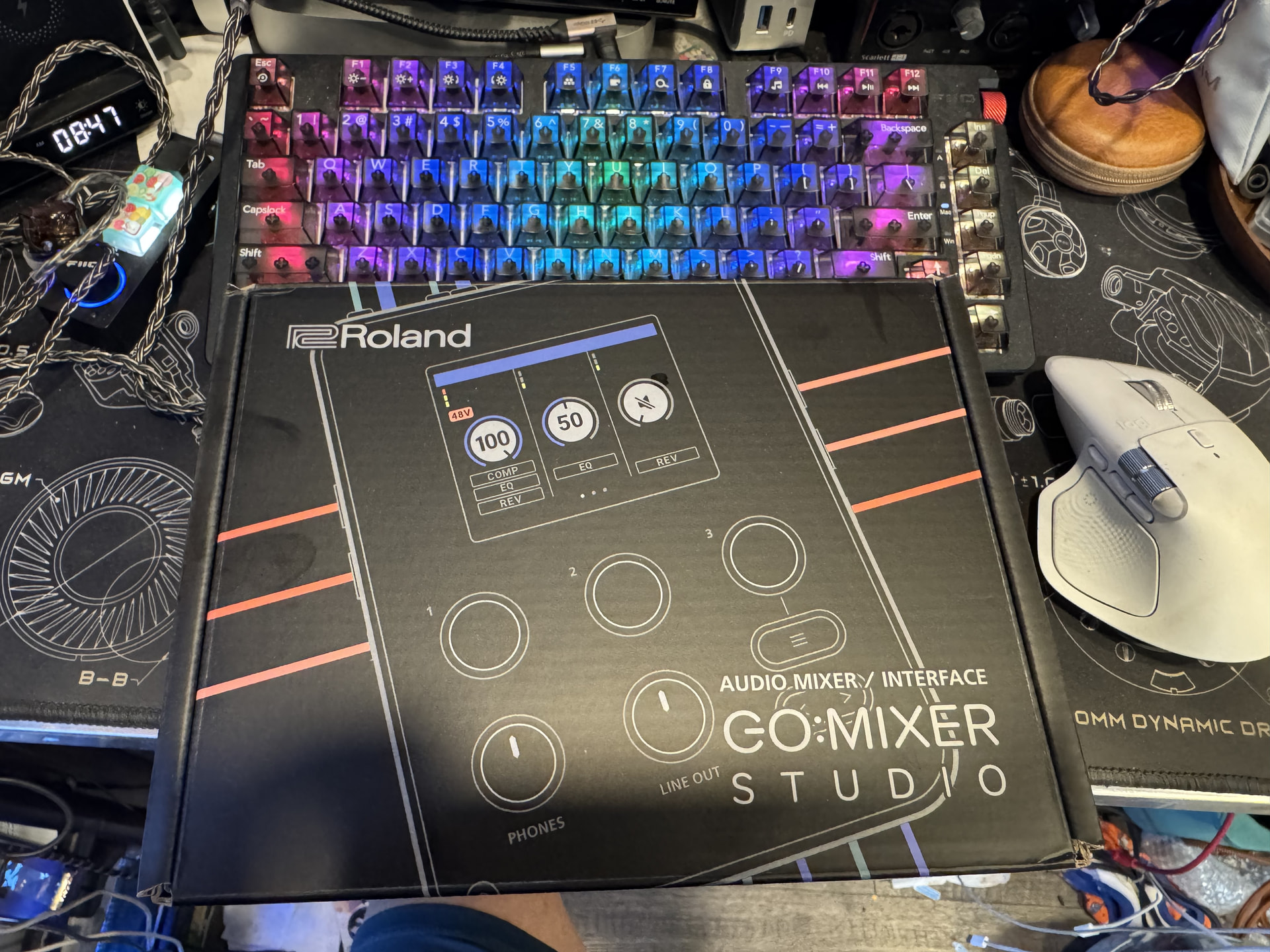
I just got the Roland GoMixer Studio. It’s the same thing as GoMixer just bigger and MORE!! :rofl: Biggest difference of all is the USB-C. Now it’s better.

I’ve come to trust the “Mixed” audio Channel of my Q8N so that significantly shorten the steps for the Covers.

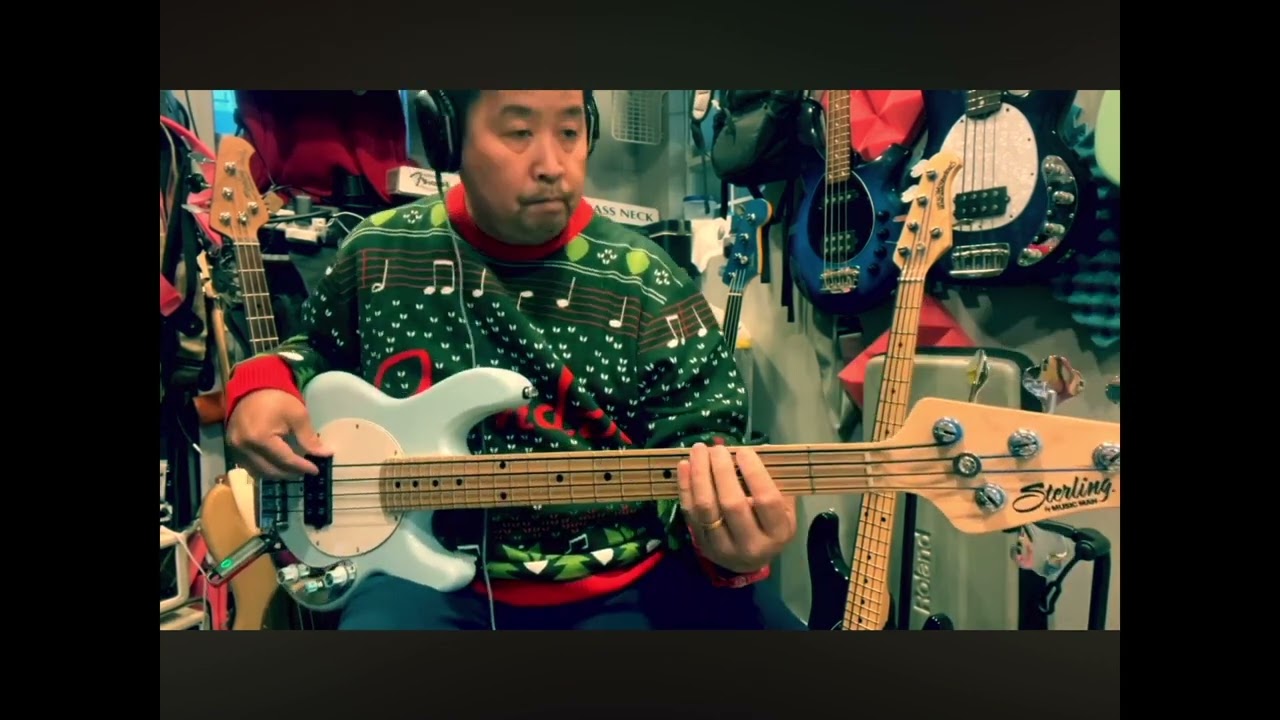
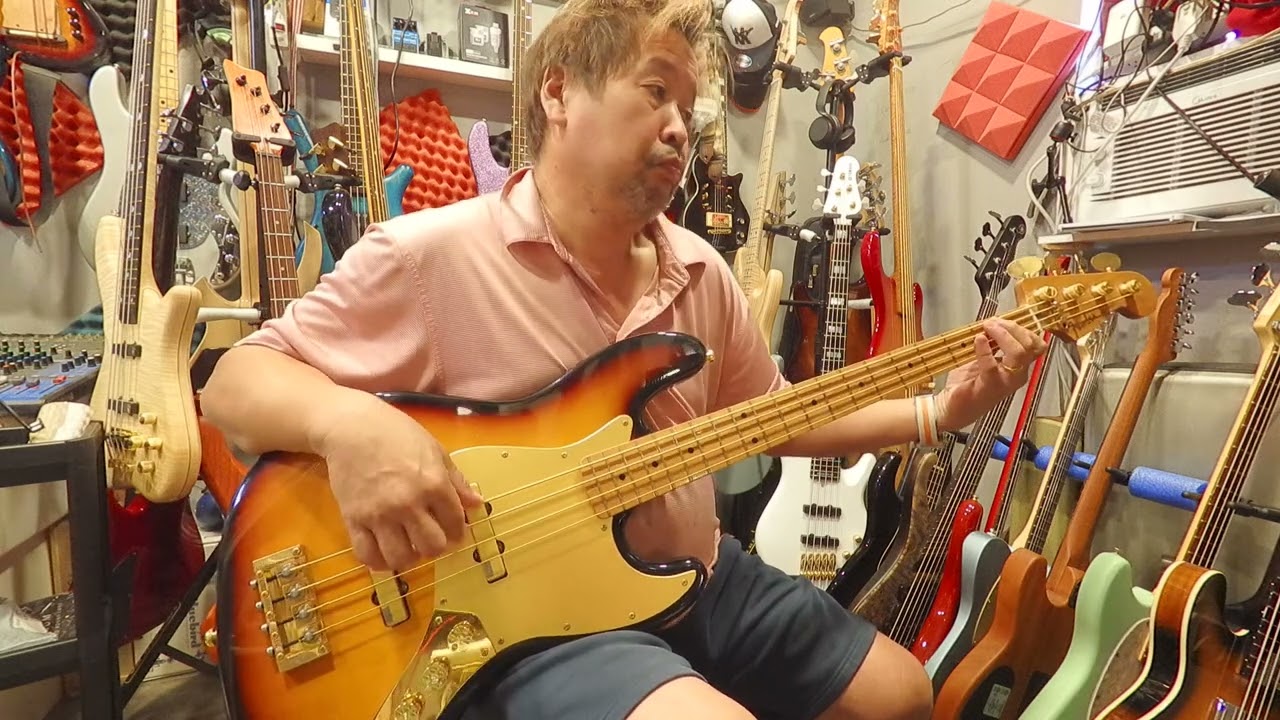
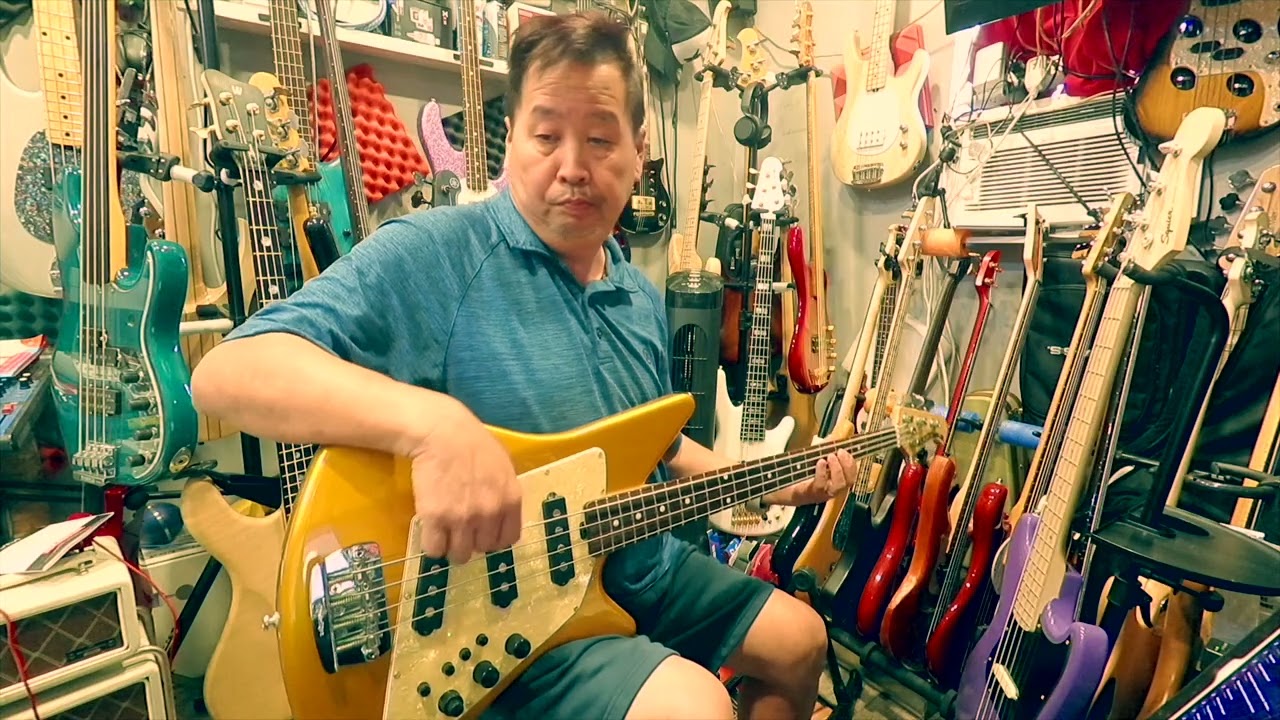
I did a cover at @booker_t with 3 videos mix that I edited right on the spot at his house.

It’s just Moises audio track with bass turn down to about 5-10% to maintain the rest of the audio frequency. 0 bass track sound thin and anemic.

Record my 3 videos on the Q8N one take each. Then take out the SD card and
Upload to my iPad Pro then upload to FCP iPad or FCPX on my Mac.
Select Multi-Cam and start editing which parts from which cam.

If I only do one bass then I skip to adding text
Add text and correct color or add filter
Send to my Photo or upload directly to YouTube.

On the GoMixer, I can do similar but with better quality phone video. I can use the Roland video app to edit or do the same with FCP iPad. Or simply do that on my phone via GarageBand.

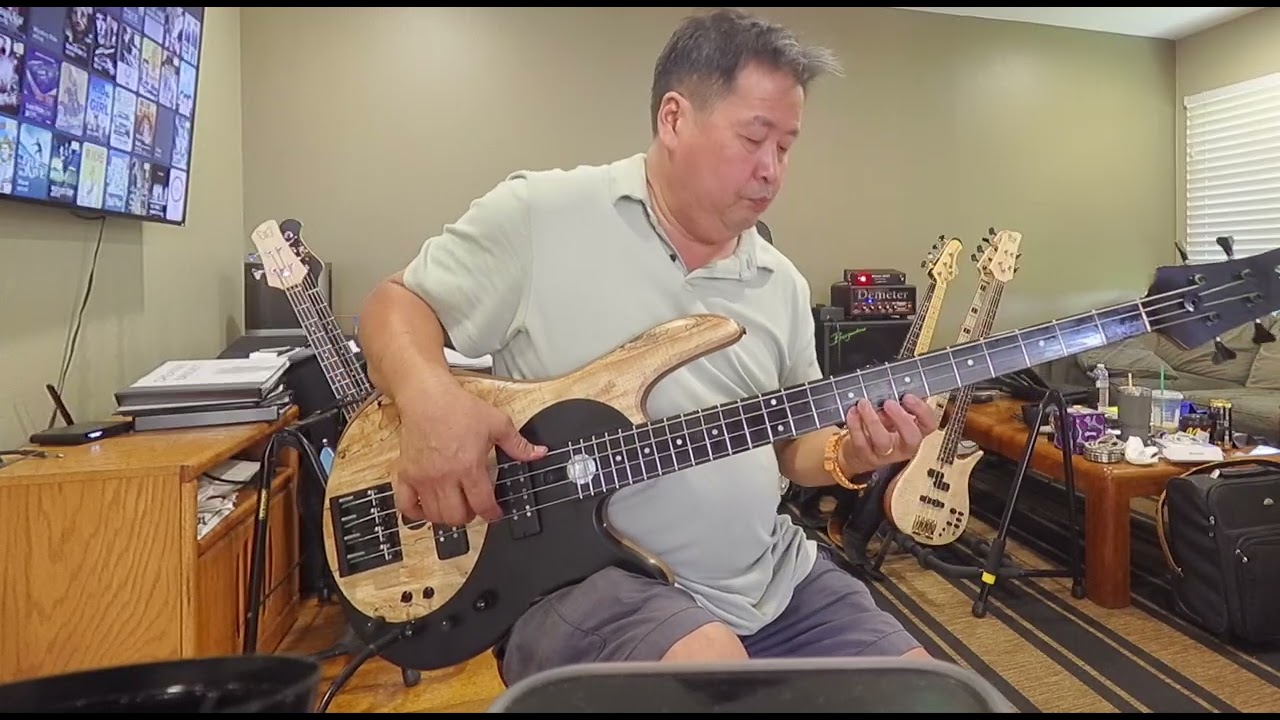
This is a GoMixer pro app quality a from a few years ago. I recorded and edited on my iPhone 12 Pro Max.

This is done on my phone using iMovie.

I try to minimize the steps for the maximum joy of spontaneous recording.

When I did this video is just turn on my Zoom, pick a song and play/ record then color corrected or not and post to YouTube.

If I have time on my hand or have the itch then I’d go for some endless cuts and the joy of editing I’d do this

I don’t have enough skills or time to volume match and sync each audio and video of each video before editing. Doing this way save me a lot of time.

Cost of entry is relatively low.
You can find a decent Preowned Zoom Q8N for almost half the retail price.
And the more layers of audio mixing capability in post without opening up the Logic Pro X or iPad version then the Roland GoMixer Studio seems to be a good choice. I’ll be posting a cover using that soon and let you know the ease of use. The Video quality should be far better than the Zoom because of the phone camera.
A dedicated app like Moises suits me with a small monthly subscription but I could get the similar result from Stem Splitting from the Logic too just extra steps.
3 Likes

Oh, a stem separation that lives in Reaper? Hot damn. I gotta check this out.

2 Likes

That Tony Franklin sounds really good in the mix. I didn’t know that Paul Young recorded a version of that song. The original is one of my all time favorites.

1 Like

also info here. You may wish to post your doc over in this thread to keep things together.

4 Likes

@Al1885

You have some nice stuff. There are low cost approaches and then there are low budget. I have a Samsung Ultra 24S. I tried using it but results were not good. I have no talent but lots of time to figure it out. My approach was very cheap. Now that i’ve worked thru it once the next time should be much easier. I do like the idea of simplifying the workflow with a reaper stem separation.

1 Like

@John_E

Ya. I’ll post it there. I’ve watch their videos. It seemed like it was much more complicated than it needed to be. In this forum I’ve picked up bits and pieces, opinions and recommendations to cobble together my tools and workflow. I’m sure there are refinements - a couple offered here so far.

1 Like

@roddie

Installed STEMwerk yesterday. It was a little tricky. The interface looks great. Havent had a chance to try separation but it will definitely ease the process. Thanks.

2 Likes

It’s a goofy process that’s poorly (IMHO) documented. It was also my first experience with ReaPack so I had to figure that out at the same time. The good news is that once it’s setup it just works. Even upgrading seems to be pretty painless.