Hey!
I’ve been trying to record a video of myself playing, similar to the ones people have posted in the 50 song challenge post.
As far as equipment, I have my laptop (windows 11), Android mobile, and an IRig HD 2.
I recorded myself with the laptop camera, and my amp on, and… naturally, you can’t hear the bass.
If anyone has any suggestions such as a way I can have the camera get sound input from my Irig and the youtube song of choice at the same time, I would be ecstatic.
I’ve fooled around a little bit with Voicemeter to try to manipulate sound channels but I can’t seem to get it to work.
I record the video and audio separately and then combine them in a video editor. Which, I won’t lie, is a pain in the rear. But it gets the best quality.
This is basically the approach in the linked thread above, but a super simplified overview of it.
So first I use an audio interface (in your case that’s the iRig) into my computer. I use a DAW (Digital Audio Workstation) software for recording, I like Reaper because it’s inexpensive and they have tons and tons of great “how to” videos and tutorials, but there are plenty of other options out there. They all have a learning curve, but if you want a free and simple one, try Fender Studio.
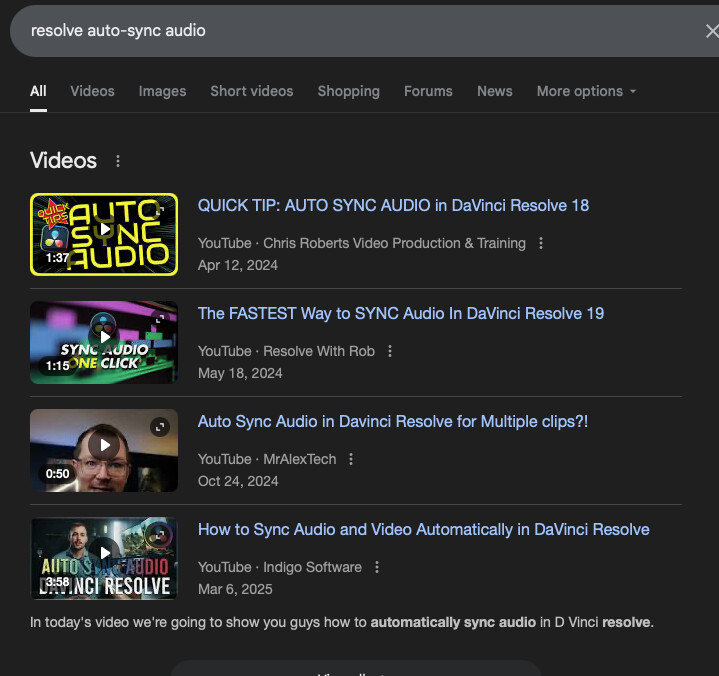
Then, I take that audio and the video from my phone, and load them into video editing software. Again, tons of choices out there, I use Kdenlive but Davinci Resolve and OpenShot are other popular choices. If the audio on the video recording is good enough, you can use it to sync with the audio by matching up the wave forms visually. I usually don’t have any audio to work with since I play through headphones most of the time, so I line it up by eye. I pick a very visible pluck at the beginning of the song, and move the audio so my finger is just leaving the string when the sound starts.
You may find that when you line up the beginning, it has drifted out of sync by the end of the recording. The video editor should let you stretch or squash the audio track so you can make it line up, usually by dragging the end of the clip while holding a key like shift or alt.
Finally, when you render the final video you might find the audio is ahead or behind by a fraction of a second. In that case you can go back into the editor, nudge it forward or back slightly, and render again.
Pretty much the same workflow as I use: Scarlet 2i2 Digital Audio Interface (DAI) for the bass and a GoPro for video. Digital Audio Workstation (DAW) is LogicPro on an iPad, but Garage Band works and is free. I use iMovie to get the audio and video stitched together and lined up in time, which is the weak link in my workflow being a free but clunky solution but I don’t do this enough to need anything better at the moment.
Same, this way I can focus on playing it right and not trying to look cool while I record the audio. Tbh, I don’t gaf how manyt mistakes I make while filming the video, but then put them together in iMovie.
I think it took me 7 hours from when I started setting up my camera to posting on YouTube for my last video. But I did everything four times. But I remember just doing bass covers it was typically two to three hours to record and edit everything. Maybe longer. Their is a bit of a learning curve.
I’m lazy and don’t want to fuzz with any different connection when I record and I don’t usually process my audio as I want a live feel to the cover so I do this.
The problem with this is that the bass will just overpower any background music you have on, unless you turn the bass really low. It is quite hard to control. Some people get quite good results just recording it as a ‘one shot’ through the camera or even phone microphone. EDIT: I now realise that you probably meant to use the mic to isolate the bass
I use a cheap Sonicake audio interface from the DI on my Fender Rumble. The audio is recorded in Reaper, and the video on a Sony ZV1 camera. In Davinci Resolve I will add it all together. A good tip for lining up audio in a video editor is to zoom in really far so each note is about 2 inches long. It is amazing what just a tiny shift in the bass track can do to the sound. There is normally a part in a song where the drums and bass sync, so picking a less cluttered part of the audio also makes it easier to line up.
That works well too. It is the reason they use clapper boards in film-making!
is there any consensus (i know, i laughed too) on what people like for video editing these days? i would guess that this is similar to a daw and they all work, just pick the price point and feature set?
I have had zero regrets with Final Cut Pro. A little expensive up front, but it has saved me so much time with editing. I was using imovie before and the transition was relatively painless.
Actually, I wouldn’t recommend that… I had used iMovie for a while, but some aspects of it, I didn’t really gel with or found a way to work with.
My bass teacher told me about the free version of DaVinci Resolve, which is at minimum as powerful as iMovie (probably more so), and which I now prefer working with.
As a bit of a Mac fanboy that was not an easy move, but that’s the route I would recommend for people doing video editing etc on a Mac
Video wasn’t my priority, and I did get by with iMovie for a long time. But then, I started to do a bit more and noticed the limitations (or quirks) of iMovie more and more.
Resolve is a cool and free “upgrade” (it feels like that so far).